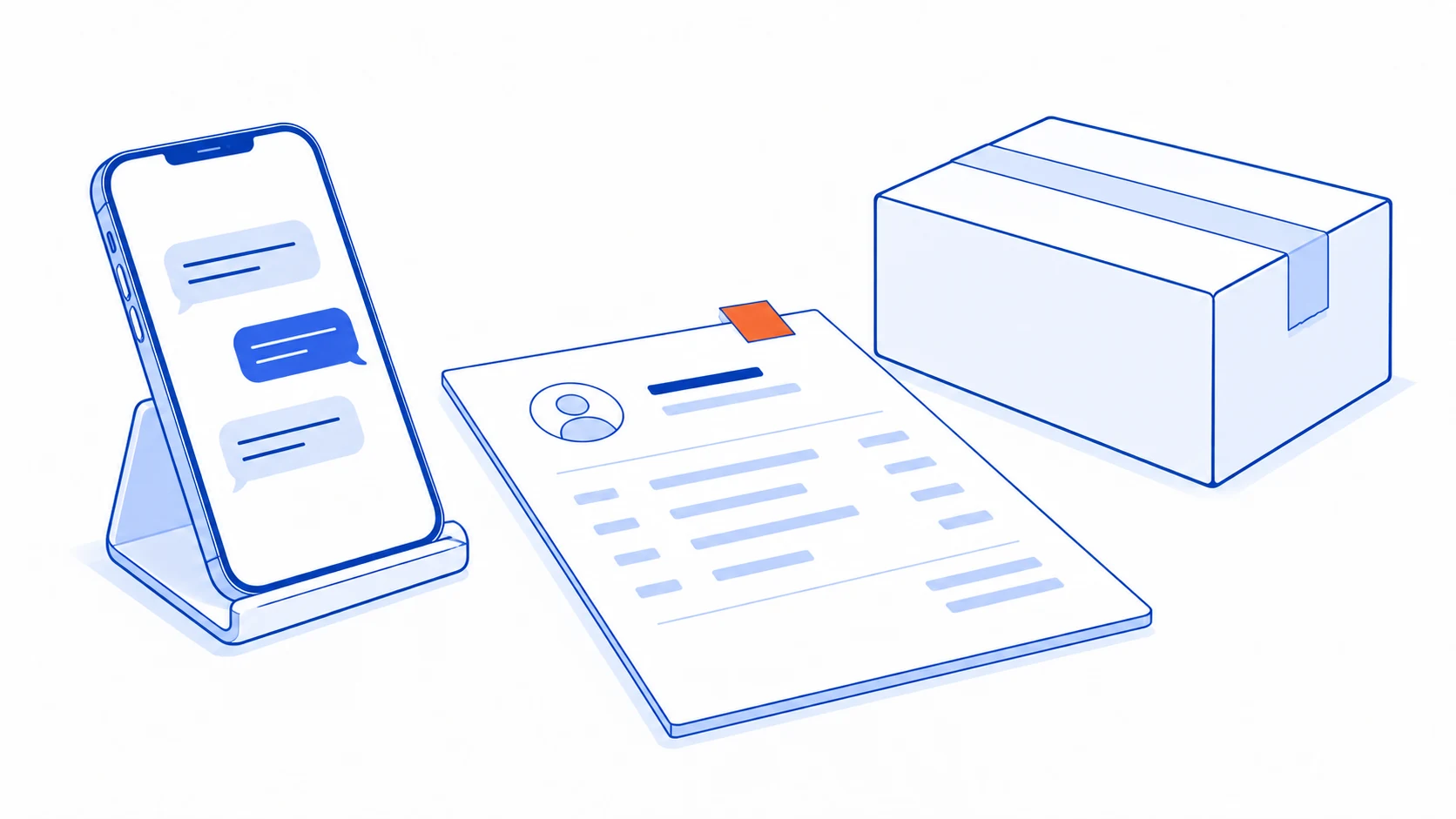
“The same as last time, please” may be clear to the employee who knows the customer. It is not yet enough to create a reliable sales order. The system still needs the product, quantity, unit, applicable terms, destination and evidence that the customer has actually agreed to buy.
A useful chat-to-order workflow prepares a reviewable draft before committing it to the sales system. The aim is to remove repeated copying while keeping the source visible and allowing corrections before picking or delivery begins.
One order may be spread across several messages
Consider an illustrative conversation: a customer asks about a white product, later requests two boxes, sends a picture of another item, then says the second item was only a price enquiry. Creating an order from every product mention could add something the customer never intended to purchase.
Separate three activities: collecting the enquiry, preparing a sufficiently complete draft, and confirming the order. Staff should be able to see which stage they are in and whether their next action will affect stock or create downstream work.
Do not assume that every message from one customer belongs to a single order. They may be buying for different branches or discussing separate projects. Give staff a way to assign a message to an existing draft or start a genuinely new order, with a clear reference for each.
Fill what can be checked; ask about what cannot
Match the conversation to product codes and variants in the catalogue. If customers describe colours, sizes or models using informal names, show plausible candidates with enough detail to distinguish them. A close textual match is not sufficient when two variants could satisfy the description.
Quantities need units: individual items, boxes and cartons are not interchangeable. Prices, discounts and credit terms should come from authorised records or an explicit review, rather than assumptions drawn from an old conversation. Mark uncertain fields as needing attention instead of making the draft look complete.
At a minimum, the draft should establish who is buying, what they want, quantity and unit, delivery destination, requested timing and applicable terms. Missing information should produce a specific explanation, such as “delivery branch not selected,” so the next person knows what to ask.
Images and documents can help prepare an order, but the reviewer needs access to the relevant source. Keep extracted information distinct from confirmed information. The guide to AI document extraction with human review explains how to place that check without forcing staff to retype everything.
Make the confirmation step explicit
Present products, quantities, units, prices, terms and destination together. Explain whether confirmation creates only a sales order or also reserves stock and sends work to a warehouse. A single button should not conceal several operational consequences from the person using it.
Where customer confirmation is required, send a readable summary with a draft reference. “Okay” only establishes agreement when it is clear which version the customer is responding to. Changes to products, quantities or important terms should return to the relevant review and confirmation step under the team's rules.
Keep source references, changes and the person who confirmed the order in its history. Purchase confirmation and payment verification are different states. A transfer image or a message saying “paid” should not automatically count as verified payment in the sales record.
Repeated messages must not create repeated orders
An incoming event can arrive more than once. LINE's documentation on receiving messages and webhook redelivery describes using the event identifier to detect duplicates, warns that arrival order can differ from event order, and notes that redelivery does not guarantee reliable delivery of every webhook.
In a project brief, express the operational requirement clearly: receiving the same event again must not create another order. If the workflow cannot tell whether a sales-system write succeeded, it should reconcile the result before trying to create it again. Both the incoming event and the resulting order need traceable references.
A second case is a genuinely new message repeating an earlier request because nobody has replied yet. That message can have a new event identifier. Staff therefore also need visibility of open orders or a review step to decide whether the customer is repeating, amending or adding an order. Event deduplication alone does not resolve conversational ambiguity.
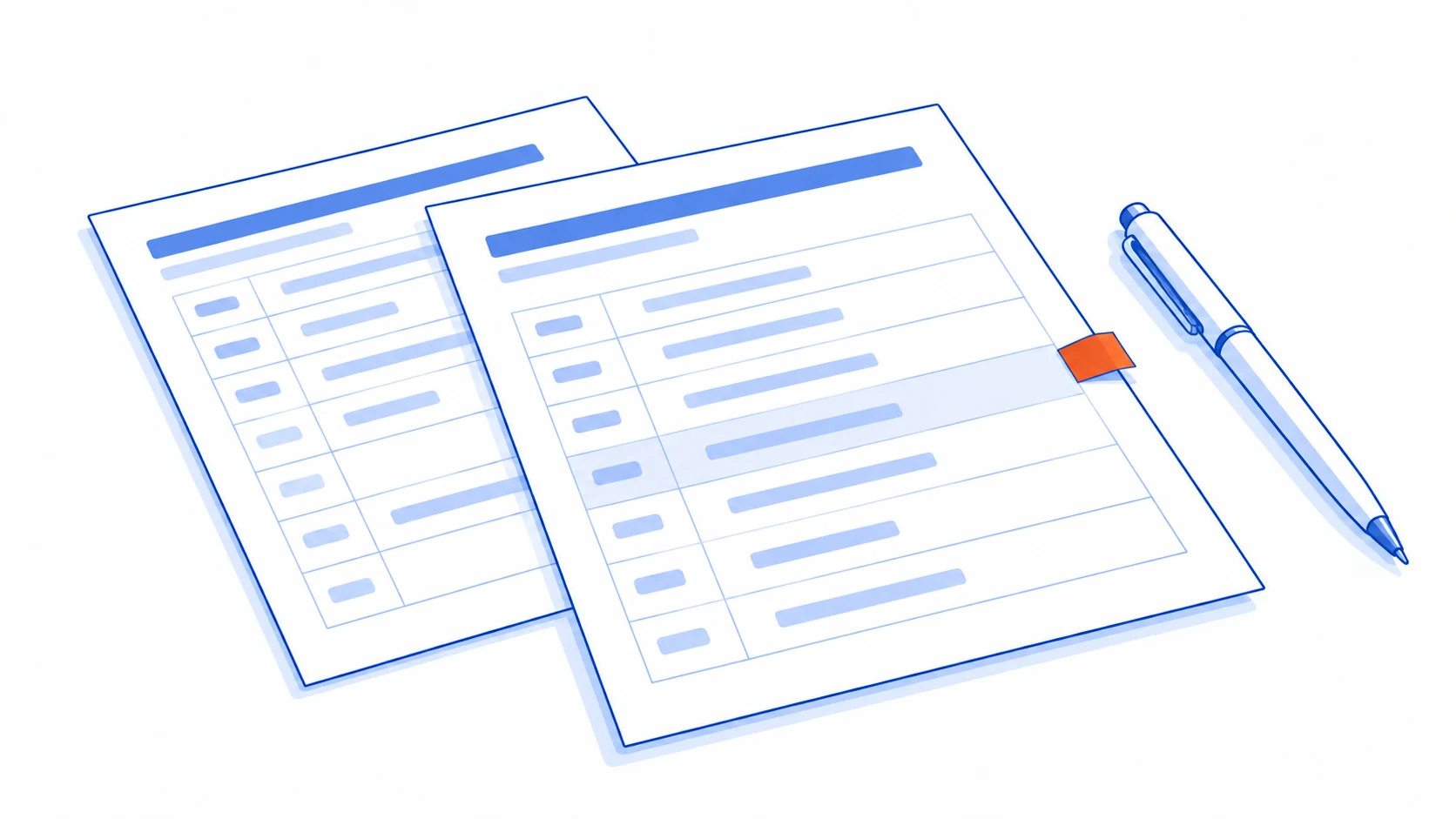
Before confirmation, a correction can update the existing draft while displaying what changed. After confirmation and the start of fulfilment, route the change through an order-amendment process that reaches the warehouse. Silently overwriting the record leaves anyone working from the earlier version unaware of the change.
Test messy conversations as well as clean ones
Include price-only enquiries, changed variants, different pack units, repeated messages, multiple delivery branches and a slow sales-system response. Check that a person can resume the work without searching the whole conversation again, and that no unconfirmed purchase becomes a committed sales order.
Also test what happens when a catalogue item is inactive or the requested delivery condition cannot be met. The system should leave a specific review task rather than silently substituting an item or promising a date. The person handling the exception needs the draft and source context together.
Measure time from collecting information to a checked order, including review and corrections. Separate the reasons for manual intervention, such as an unmatched product, ambiguous destination or special price request. Those categories show where better data or a clearer step could remove actual work.
If chat identities cannot yet be linked confidently to customer history, begin with connecting LINE OA and a CRM. Reliable identity matching gives staff a sounder basis for selecting an address, price agreement or earlier order.
Still reading chats and retyping orders every day?
Talvyn Labs can connect conversations, customer records and sales systems, with review and confirmation steps that keep staff in control of what becomes an order.
Plan your chat-to-order workflow