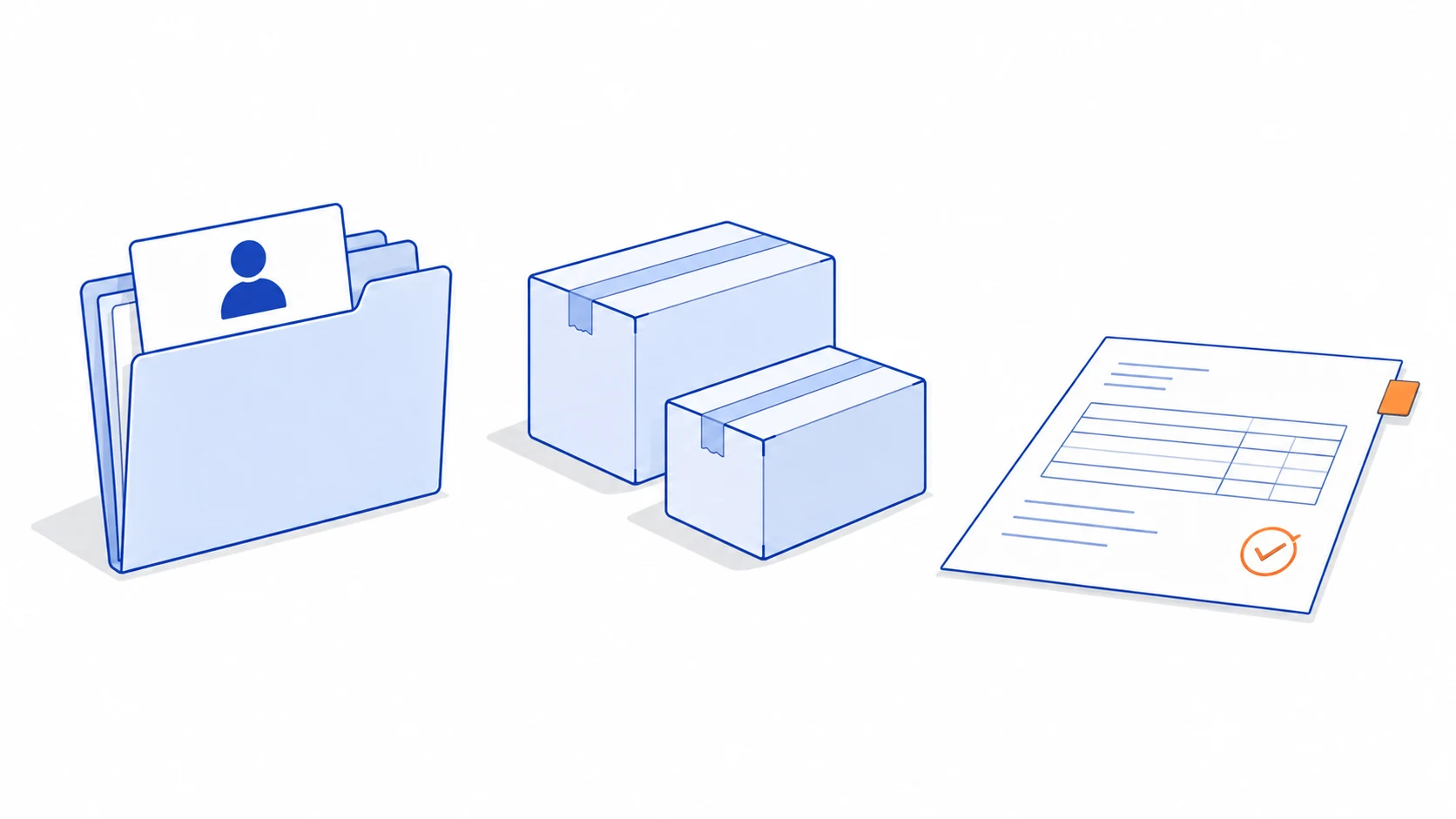
Connecting a website, CRM, inventory system and accounting application does not answer a basic question: when their records disagree, which system is allowed to decide? Without that agreement, an integration can move an incorrect value faster or repeatedly overwrite a deliberate correction.
Data ownership means assigning an authoritative source for a specific fact and a business owner for the rules around it. Other systems may keep useful copies. They need to know where a change belongs, how it reaches them and what to do if delivery is delayed.
One customer can have several kinds of information
A customer name in the CRM, the billing details used for an issued invoice and the recipient address on an order serve different purposes. It is risky to declare that one system owns everything called customer and copy every edit everywhere.
In an illustrative business, the CRM might own relationship notes and the preferred contact route. The order system owns the delivery details confirmed for a particular purchase. The accounting system owns the records used in its invoicing process. The actual division depends on the business and the systems involved.
Microsoft's discussion of data ownership in microservices explains why separate business contexts can have different models of the same entity. You can use that boundary-setting idea without adopting a microservices architecture.
Define ownership at the level where decisions are made. A customer updating their preferred contact address should not silently rewrite an old transaction. Whether a historic record can be changed, corrected or replaced must follow the responsible process, not a generic sync rule.
Make an ownership register before building connectors
Bring the people responsible for sales, fulfilment and finance together. List important records, the field or state involved, the authoritative source and who can authorise a change. Include identifiers used to connect records across systems.
| Information | Illustrative authoritative source | How another system might use it |
|---|---|---|
| Contact preference | CRM | Display the current preferred route for follow-up |
| Order delivery address | Confirmed order record | Prepare the shipment for that order |
| Stock available to promise | Inventory or order allocation service | Show availability using agreed timing and reservation rules |
| Invoice or payment state | The designated financial system | Display a read-only status with its source and update time |
This is an example allocation, not a universal architecture. A platform combining several functions may own more than one area. The important part is that the team can explain who changes a fact and how a conflicting value is resolved.
Agree what terms mean. On-hand stock, reserved stock and available-to-promise quantity are not automatically the same number. Received, approved, fulfilled and paid describe different events. An integration specification should preserve those distinctions instead of collapsing them into a generic completed status.
Follow a change through its complete journey
For each important update, describe the trigger, validation, destination and confirmation. Record the original system identifier alongside the destination identifier. Matching customers or products by names alone creates ambiguity when a name changes or two records look similar.
Suppose a confirmed order reserves stock. The website should use the agreed availability view, while the CRM might show the order as awaiting fulfilment. The order becoming paid does not mean it has shipped. Each event updates the state it actually establishes.
Sometimes the authoritative system cannot respond immediately. Define whether the action must wait, whether a request can be queued or whether the user can continue with clearly labelled older information. Do not present delayed data as an exact live quantity.
The interface should show actionable exceptions to the people who can resolve them. A failed update with a generic error code is less useful than the affected record, the last successful step and the next permitted action.
Expect retries, duplicates and out-of-order events
Real integrations cannot assume that every message arrives exactly once and in the expected order. As a concrete example, Stripe's webhook documentation describes duplicate deliveries and events that arrive out of order. Check the actual contract for every service you connect.
Use a durable event or operation identifier to recognise work already handled. If a newer record state is available, a late older event should not overwrite it blindly. The appropriate comparison may require a version, a business sequence or a fresh read from the source; timestamps alone are not always enough.
A request timing out also does not prove that the destination did nothing. Stripe's idempotent-request documentation provides one example of safely retrying an operation using an idempotency key. Other platforms may use different mechanisms or offer no equivalent guarantee.
Before retrying, understand how long a service retains duplicate protection and whether the request parameters must remain identical. Where the destination cannot support it, design a reconciliation step or controlled recovery procedure. Do not call an integration reliable merely because it retries automatically.
Resolve conflicts with evidence and ownership
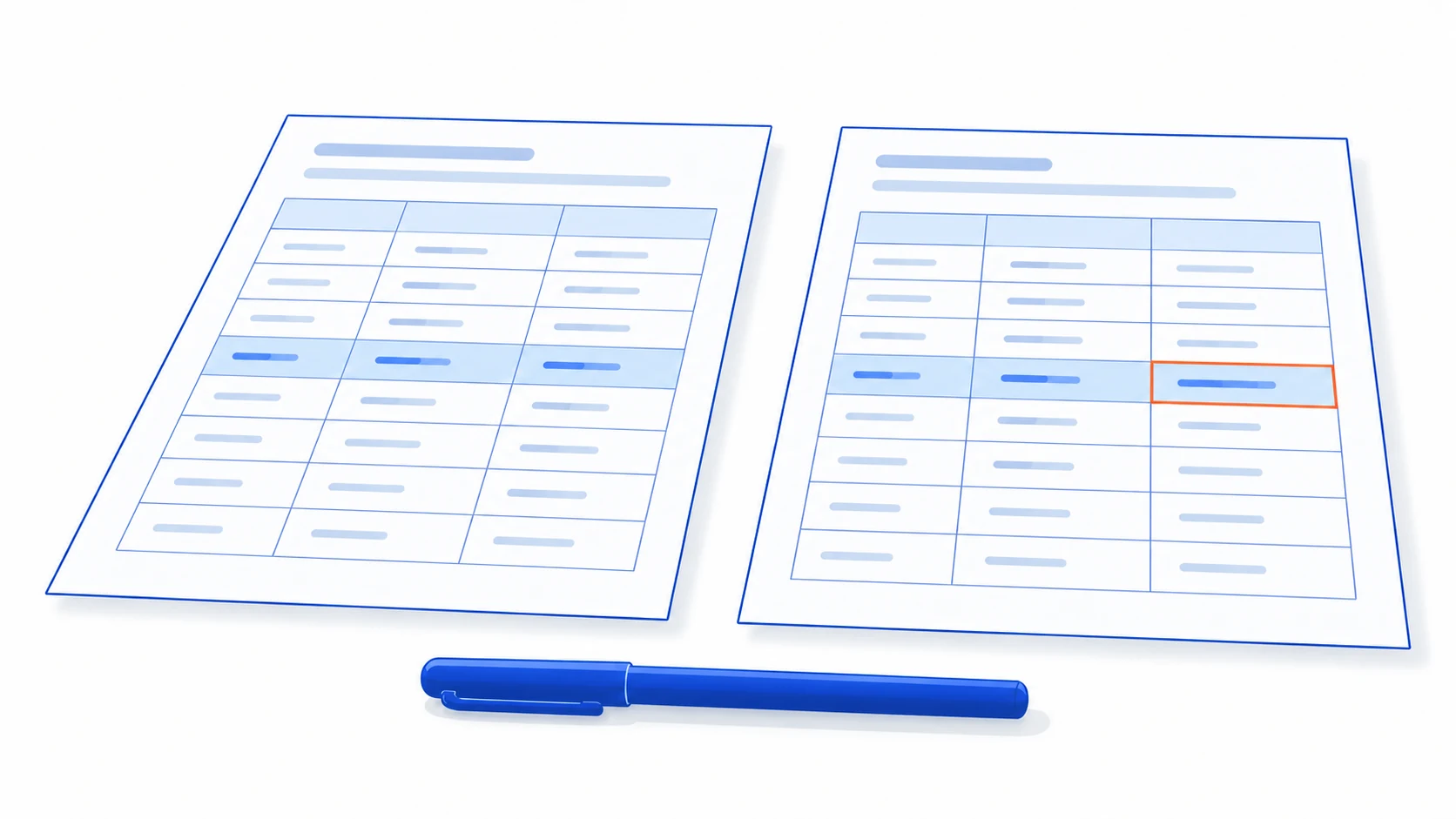
A conflict queue should preserve both values, their sources, relevant versions and the reason the update could not proceed. Route the case to the responsible owner. Once resolved, keep the decision so that the same disagreement does not reappear on the next sync.
Avoid choosing the latest write as a universal winner. A later message may contain an older business event, a draft or an accidental edit. The right result depends on the meaning of the record and the agreed authority.
AI may help explain a mismatch, extract a proposed value from a document or group similar exceptions. It should not become the authority for stock, issued financial records or approved customer commitments. The system responsible for the fact still validates and records the change.
This also gives the AI better grounding. A sales assistant can say where an availability figure came from and when it was refreshed, instead of blending contradictory values into a confident answer.
Prove one connection before expanding the network
Start with one complete business transaction and its common exceptions. Test a normal update, a duplicate event, a delayed message, an unavailable destination and a human correction made while delivery is pending.
Reconcile source and destination records after the trial. Check missing items, mismatched states and the effort required to resolve them. Assign an operational owner for alerts, connector changes and credentials so the connection remains usable after launch.
The guides to connecting LINE OA with CRM and choosing a business technology roadmap help place these connections in the wider workflow.
Talvyn Labs connects business systems with explicit data ownership, reliable handoffs and visible exception handling. Bring examples of conflicting records and the tools your team already uses. Define the authoritative sources and build a connection that supports decisions instead of multiplying uncertainty.
Connect your business systems without multiplying conflicting records
Bring sample mismatches and your current workflow to Talvyn Labs. Define authoritative sources, handoffs and exception handling before building the integration.
Plan your business system integration