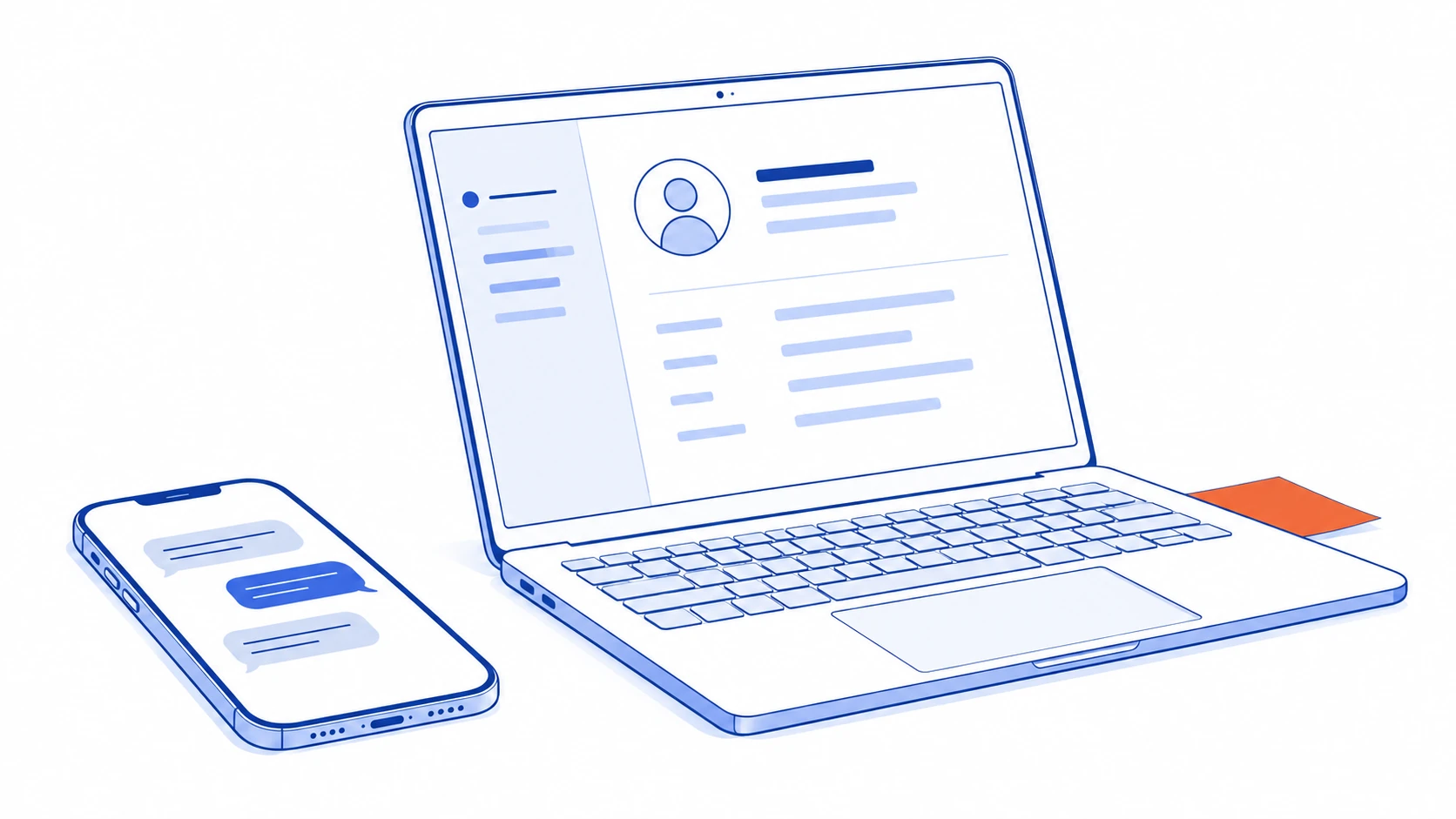
A customer asks about an installation through LINE. Someone replies, sends a quotation and moves to the next conversation. When the business owner asks what happened, the answer is scattered across the chat, an email and the salesperson’s memory.
Connecting LINE OA to a CRM should make that enquiry understandable as work: who the customer is, what they need, who owns the next step and what is still missing. This article follows an illustrative installation business from first contact to operational handover. It is a design example, not a Talvyn Labs client case study.
A first message is not yet a qualified sales opportunity
Suppose the customer writes, “We are opening another branch and would like installation details.” The message establishes interest, but does not contain enough information for a quotation. An integration could create a record awaiting review, preserving the source channel, contact time and enquiry topic.
Someone must then own the request and identify missing information, such as the installation location, scope and contact person. A long form is not always necessary at this stage. The sales team may collect the information during the conversation. What matters is an agreed point at which the enquiry is ready for assessment.
LINE’s Messaging API can send message events to a connected system. That does not mean every old conversation or type of information can automatically move into a CRM. Check the combined capabilities of LINE, the connector and the destination, including when collection starts. LINE explains the receiving-message flow here.
One customer can have several names and several enquiries
A LINE display name can change or be shared by unrelated people. A business customer may also have several contacts. Treating the visible chat name as the only matching rule creates a risk of merging the wrong records.
Separate the contact, the organisation they represent and the particular opportunity under discussion. An existing customer asking about another branch may need a new opportunity linked to their existing account. Overwriting the first opportunity’s status would lose the distinction between the two jobs.
If customer accounts or membership identifiers already exist, assess an appropriate verification method for linking them. Leave uncertain matches for a person to review and retain who confirmed the link. This protects the usefulness of the sales history as well as access to customer information. A convenient match is not necessarily a verified identity.
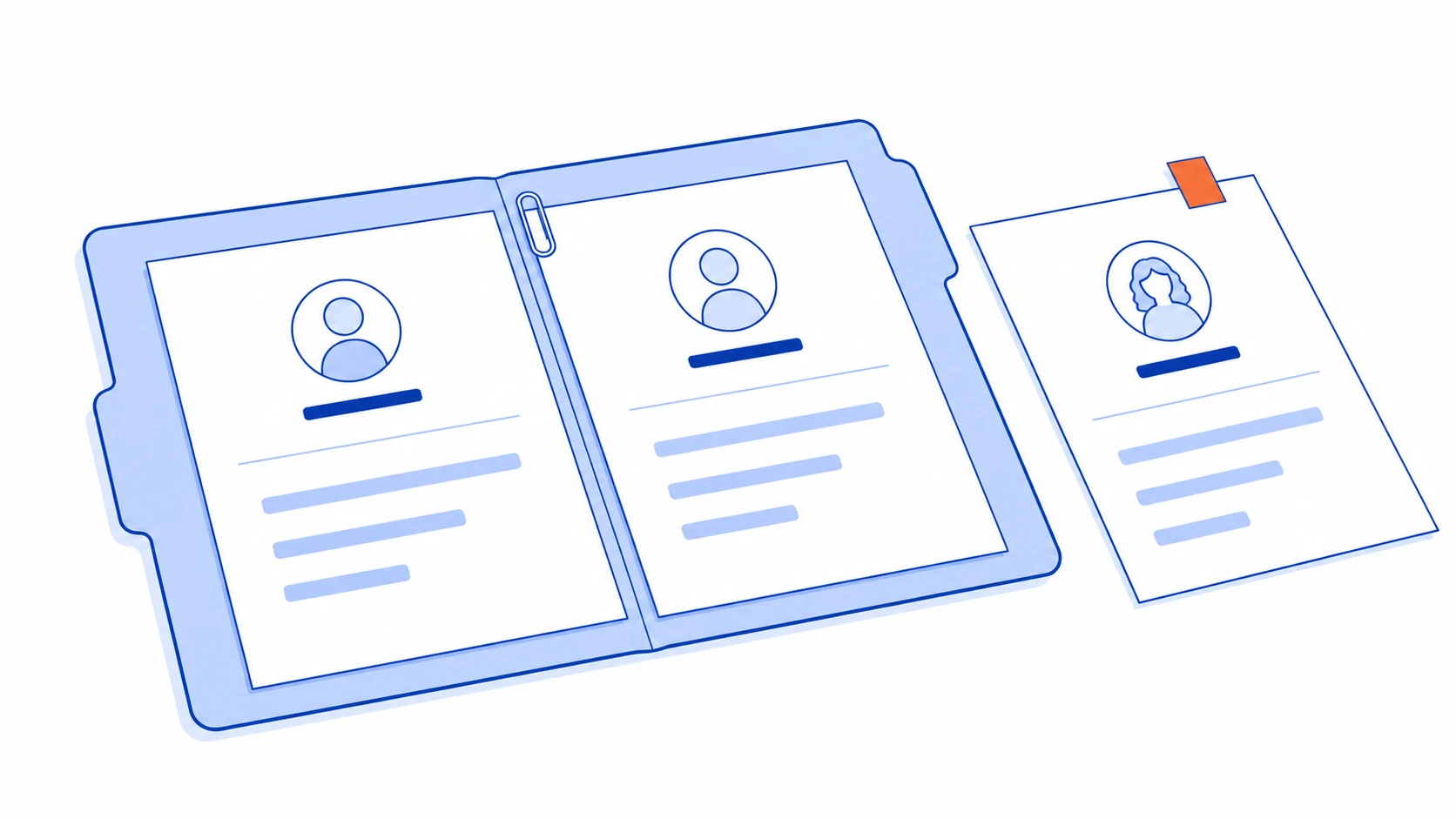
Design the handover view for the next person
The next salesperson should not have to read every message to discover what to do. A useful summary might show:
Latest need: installation at another branch; site details are still missing.
Owner: the person currently responsible for the enquiry.
State: awaiting customer information, rather than simply “in progress”.
Next action: assess the site details when they arrive.
References: the latest quotation and the relevant conversation context.
These are example fields, not mandatory labels for every business. The important distinction is who the work is waiting for. If everything says “follow up”, the team still cannot tell whether to contact the customer or wait for an internal estimate.
Reassigning a record should also reassign outstanding work. Changing an owner’s name is insufficient if reminders still go to the previous salesperson. Retain the earlier history so authorised staff can understand how the enquiry reached its current state.
A follow-up belongs to a specific quotation
The customer may change the requested scope after receiving a quotation. Following up on the old version would put the message out of step with the conversation. Link the follow-up to the current opportunity and quotation, and decide whether a material revision requires reviewing the existing schedule.
An internal reminder is a useful starting point. It allows the owner to check the situation before contacting the customer. If messages are eventually sent automatically, recheck the current state immediately before sending. The customer may have replied, requested a revision, declined the work or asked to pause contact.
Stopping a follow-up should preserve why it stopped and who may reopen the work. Detailed sending schedules and stop conditions deserve their own quotation-follow-up rules, rather than being hidden inside a general customer record.
A successful connection needs a recovery path
A message can arrive while the CRM is unavailable. The same event can also be delivered again. The integration must distinguish a new enquiry from another delivery of the same event, or one customer message could create several tasks.
LINE documents that webhook redelivery is not guaranteed and that arrival order can differ from event order. For the business, this means being able to distinguish received events, completed transfers and unresolved failures. A green connection indicator alone does not show which requests are missing. See LINE’s redelivery guidance.
Name the person who investigates failures and define a way to resume a transfer without duplicating a record. Keep only the conversation data required for the workflow and give staff access appropriate to their role.
Pilot a complete handover, not every possible feature
For the illustrative installation business, a bounded pilot could cover enquiry receipt, identity review, assignment and handover for assessment. Pricing, appointment scheduling and payment do not all need to join the first release.
Try a new customer, an existing customer with another job, an absent owner and a failed CRM transfer. Ask the receiving employee to explain what each record is waiting for. If they must still ask the original chat owner every time, the integration is not yet carrying enough context.
Build the connection around responsibility and usable work records. Once that foundation is dependable, reminders, conversation summaries and AI-assisted classification have something the team can actually rely on.
Once customer records and ownership are clear, explore quotation follow-up automation to define reminders and stop conditions around the customer’s current situation.
Turn customer chats into sales your team can follow through
Work with Talvyn Labs to connect LINE OA to your CRM, with clear ownership, handovers and quotation follow-ups. We map the workflow around the tools you already use. Tell us which CRM you use and where enquiries currently lose momentum.
Discuss LINE and CRM