
Extracting information from a document does not finish the job. Staff may still open every original, compare it with system records, request missing information and enter the checked result elsewhere. Much of the workload can remain after OCR is introduced.
A useful document-AI product prepares information for review, preserves its evidence and directs exceptions to the right person. The decision to develop more should begin with the remaining bottleneck. A reader that already works well may not need replacing.
Talvyn Labs develops AI document-reading and checking workflows, business-system integrations and review workspaces. The appropriate scope depends on document types, languages, validation rules and the permissions of each participating team.
Diagnose the bottleneck before choosing technology
Consider an illustrative procurement workflow. Invoice fields have been extracted, but staff still locate the purchase order, check whether goods arrived and resolve differences in selling units. Replacing OCR alone may leave document collection and cross-record checking untouched.
Inspect recently completed work and identify where people intervene. If text is unreadable, examine source quality and extraction. If fields are correct but records cannot be matched, examine identifiers and data sources. If the decision is already known but passes through several people, examine approval and integration steps.
| Observed problem | Work to investigate | Evidence to request in a pilot |
|---|---|---|
| Incorrect text or digits | Source quality and extraction | Source locations and unreadable values |
| Complete fields but unmatched documents | Record identification and linking | Referenced documents and the matching reason |
| Conflicting information across documents | Business validation rules | Differences and reasons for review |
| Checked results are entered again | Review interface and destination integration | Destination status and a record reference |
If inconsistent master data is the cause, that data needs attention too. Similar names alone cannot establish that two supplier or product records refer to the same entity.
Preserve the source and make important fields traceable
Keep the original file and its provenance before extracting fields. Reviewers should be able to inspect the page or location supporting an important value. Distinguish values read from the source from values supplied by another system, so the interface does not imply every field appeared in the original document.
Leading zeros in identifiers, differing date formats, selling units and multipage documents all need explicit handling. Avoid converting everything into text or numbers for the model's convenience. Test the actual languages, tables and abbreviations used in Thai and English documents separately.
Amazon Textract's guidance recommends considering extraction confidence in relation to the sensitivity of the application and increasing human scrutiny where appropriate. Language and document support vary by provider. Test the selected service against real examples rather than assuming every OCR product supports Thai.
Reading confidence is not business validity
A system can extract every digit correctly from an invoice that is duplicated or relates to goods not yet received. Evaluation therefore needs separate questions: was the source read correctly, were the right records linked, and did the proposed transaction pass the business rules?
Explicit rules such as arithmetic, duplicate-reference checks and quantity comparisons should use inspectable logic. AI can help interpret descriptions or retrieve candidate matches. Its interpretation should not replace calculations or business approval.
Matching purchase orders, receipts and invoices introduces partial deliveries and unit differences. The separate guide to procurement document matching covers those details. Here, the product decision is how to turn extraction and validation into work that staff can complete.
Design an exception queue people can resolve
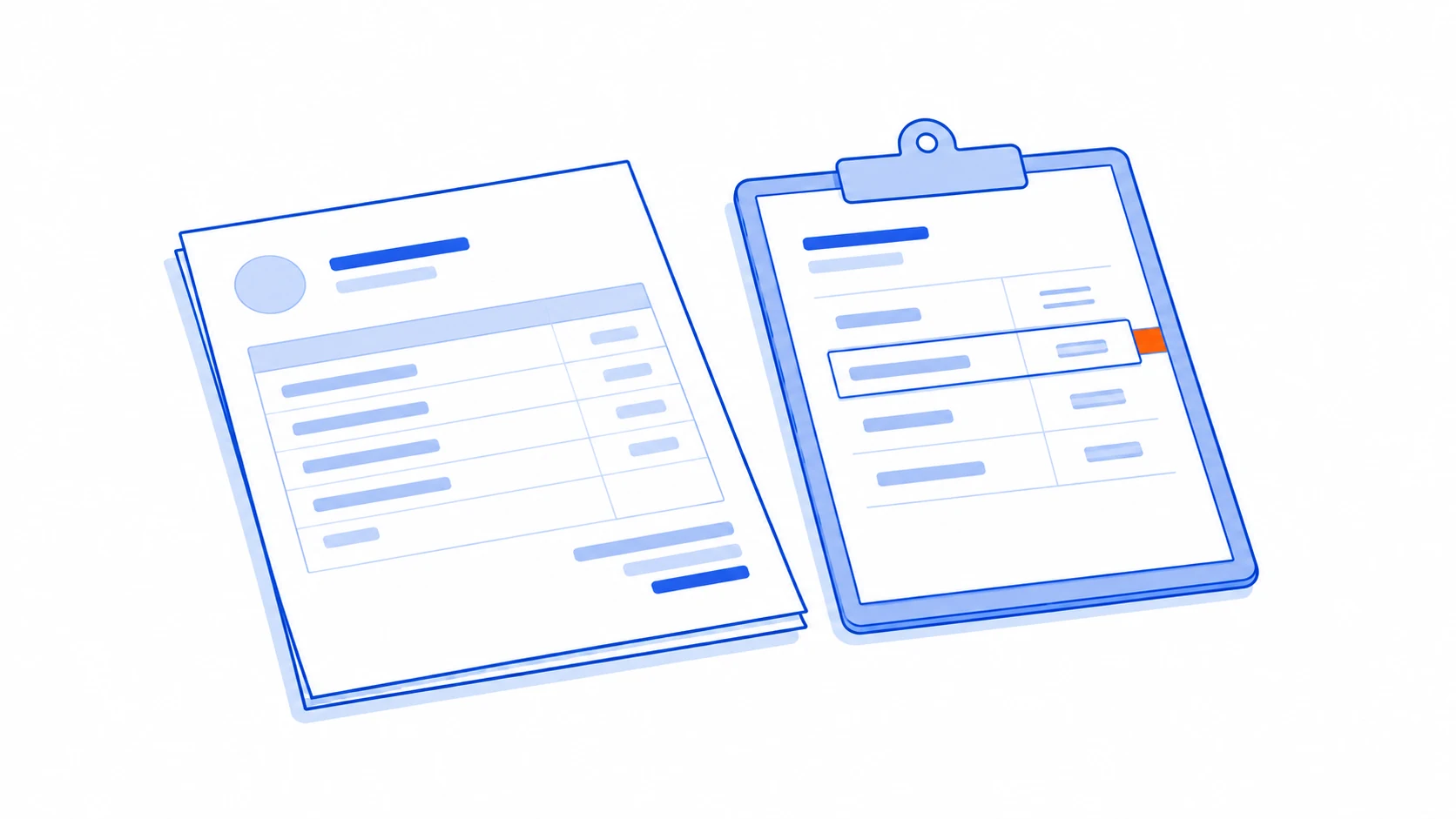
A review workspace should explain why a document needs attention, who owns the next step and which evidence matters. Staff need to correct a field, reject a match or request missing documentation while seeing the resulting changes. Downloading every document to finish the task elsewhere undermines the workflow.
Separate unreadable content, conflicting records and missing supporting documents. They may require different owners and remedies. Labelling all of them “low AI confidence” leaves the team to diagnose the actual issue again.
Retain reviewer attribution, review time and correction reasons where the workflow needs them, with suitable access restrictions. The responsible owner must define permitted data and sharing conditions before personal or sensitive records are processed. Unauthorised real documents should not become demonstration material.
Connect the destination without duplicating records
Begin with reading and draft preparation. Creating or changing business records requires approval and a permissions check. After approval, submit the operation with a duplicate-prevention mechanism and verify the result returned by the destination.
If a request was sent but no response arrived, check whether the destination created the record before submitting it again. The interface needs an understandable pending state and a way for staff to take over when an integration is unavailable. Otherwise, an apparently helpful retry can produce two records for the same document.
Measure completed, checked documents
Track the full journey from incoming file to accepted information and confirmed handover. Include corrections, clarification and failed attempts. Separate results by document type and language: an overall average can conceal a troublesome format.
Cost per completed item should account for document processing, model usage, review effort and data maintenance. If staff reread every original from start to finish, faster extraction may not reduce the total burden. Improve the review experience or narrow the scope before expanding.
Where an existing product covers the document types and destination workflow, trial that option first. Custom development becomes worth considering when a specific gap remains, such as specialised documents, cross-system validation or detailed permissions. Bring authorised sample files, expected outputs and validation rules to a scope discussion with Talvyn Labs, then use the AI pilot and acceptance guide to assess the proposed approach.
Connect document AI to the work your team must finish
Bring Talvyn Labs authorised sample files, expected outputs and validation rules to scope the review workspace and destination integration.
Scope your document AI workflow