
A B2B website has done only part of its job when a visitor submits an enquiry. Someone still needs to understand the request, find the relevant context, take responsibility and respond. A successful submission that disappears into a shared inbox is a weak foundation for sales.
Design the public page and the internal handoff as one journey. The visitor should understand the offer and what happens next. The sales team should receive a usable request with an owner, a reliable record and enough context to continue without asking the visitor to start again.
The page must make the next conversation worthwhile
Before adding integrations, check whether the site answers the questions a suitable buyer brings. What problem does the service address? What can the buyer expect to receive? What information or participation will be needed from their team?
Describe deliverables concretely. A buyer comparing suppliers needs more than a claim of quality. Explain the kinds of work covered, where the scope is agreed and what remains dependent on their circumstances. Use permitted examples, demonstrable work or a clear explanation of the process. Do not fill an evidence gap with invented client results.
The enquiry action should follow naturally from that information. Its wording can invite the buyer to describe a project, request an assessment or discuss a specific service. Explain the next step you can actually deliver. Do not promise an immediate quotation if someone must first review the requirements.
A useful page may answer several basic questions before contact, but should leave room for an imperfect initial brief. Prospects may know their business problem without knowing which software or technical approach they need.
Ask for the information needed to begin
Start with the contact route, a short description of the request and any context essential for routing it. Do not make a long internal qualification questionnaire the price of sending an enquiry. More detailed questions can follow after a person has reviewed the request.
Use visible labels and explain unusual fields. W3C's forms tutorial covers labels, instructions, validation and user notifications. These details help people understand what to enter and recover when something goes wrong.
Validation should identify the affected field, preserve correct entries and explain how to fix the problem. MDN's form-validation guidance also distinguishes helpful browser checks from server-side validation. The receiving system must still check submitted data.
If an upload is useful, explain the supported files and purpose. Avoid inviting confidential material that the first conversation does not require. A brief description can be enough to start; the team can arrange an appropriate way to receive sensitive project documents later.
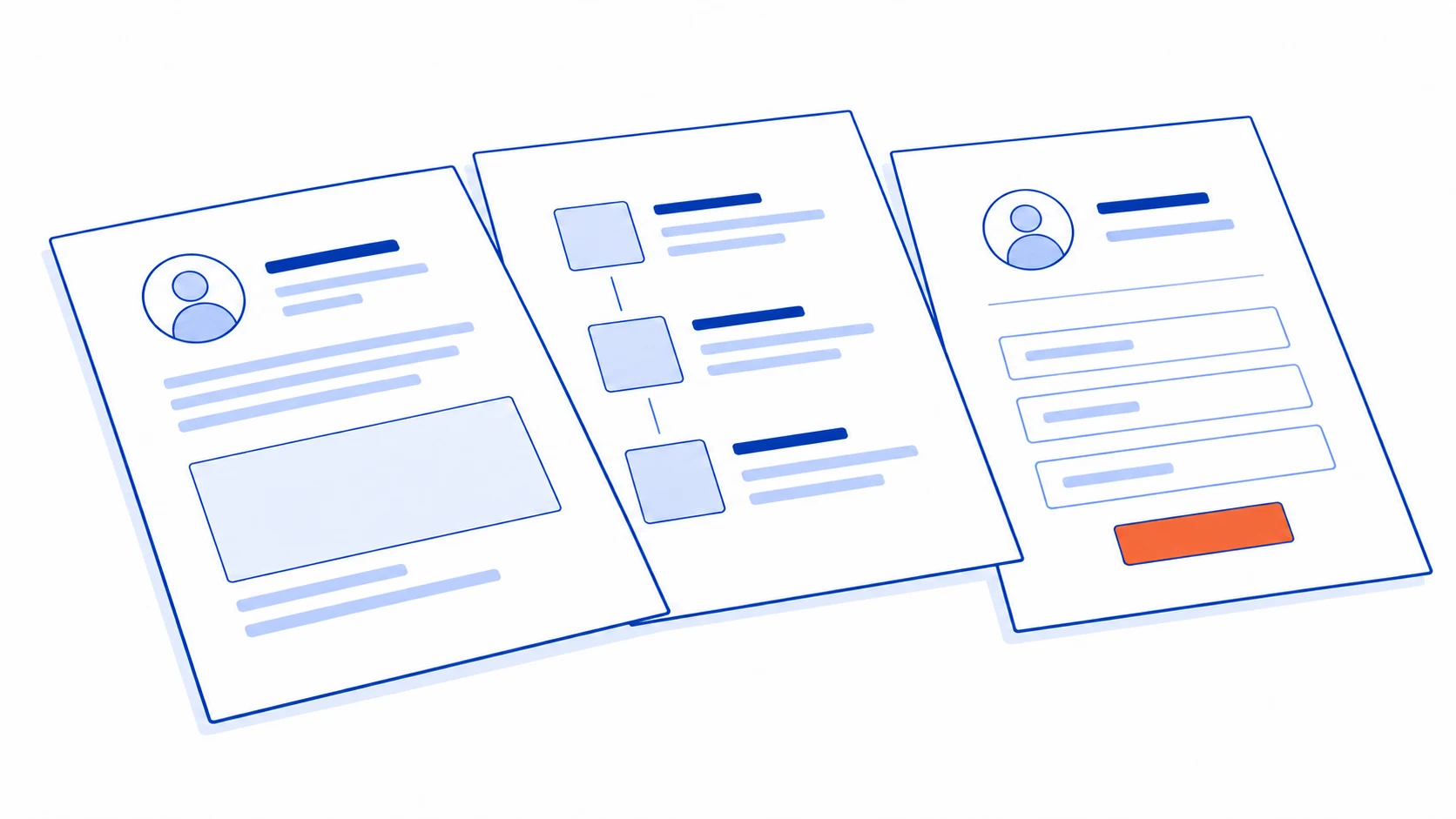
Trace one enquiry from the form to its owner
Consider an illustrative prospect requesting an internal approval tool. They send a short description from the relevant service page. The handoff can retain the following without turning the form into a complicated application:
| Stage | What should be recorded | What the next person needs |
|---|---|---|
| Receipt | Enquiry identifier, submitted information, language and relevant source page | A dependable record of what arrived |
| Routing | Assigned team or person and any routing exception | Clear responsibility for the next action |
| Review | Questions, context and a decision about the next step | The original request alongside staff notes |
| Follow-up | Contact attempt, response and current status | A way to continue without duplicate outreach |
The language of the original request can help assign the right person and prepare a suitable response. Store the service context directly rather than asking the buyer to repeat the page they just read.
Creating a CRM record is not the same as assigning an owner. Define what happens if the normal owner is unavailable or the request does not fit a category. Someone needs responsibility for reviewing unmatched enquiries, including ones that require a polite explanation that the work is outside scope.
The team should be able to distinguish a new request from a follow-up. Do not silently merge records based only on a similar name. A person may contact the business about a second project, while several people may share a corporate email address.
Keep form, CRM and confirmation states consistent
HubSpot's form documentation describes creating forms connected to its CRM and settings that affect submitted contact information. The exact matching and update behaviour depends on the platform and configuration. Check it with representative enquiries before relying on it.
A robust handoff records the submission before claiming it was received. If the CRM is temporarily unavailable, a separately retained enquiry may wait for delivery and trigger an internal alert. If nothing was retained, the visitor needs an honest failure message and another contact route.
Keep the receipt identifier through retries. A network interruption after successful submission should not create several independent enquiries because the visitor pressed the button again. Nor should a technical delivery failure mark an enquiry as answered.
Confirmation should say what happened and what the visitor can do next. Acknowledging receipt is useful; presenting an automated acknowledgement as a personal review is misleading. Track internal delivery and ownership independently from the message shown to the visitor.
Add AI where interpretation helps the sales team
Once intake and ownership work reliably, AI can summarise a long request, suggest a service category or draft clarification questions. Preserve the original wording and show the proposed interpretation to the team. A summary should not become a commitment to deliver a feature that has not been assessed.
Start with preparation rather than automatic rejection or unsupported promises. An unfamiliar term or a short brief is not sufficient evidence that a prospect is unsuitable. Let the reviewer correct the interpretation and record the decision.
If the assistant reads attachments or web content, treat that material as evidence rather than instructions controlling the system. Bound its access to the information relevant to the enquiry. The first version may not need permission to send messages at all.
Measure whether the team receives more usable context and spends less time reconstructing requests. Message volume and automated categorisation alone do not show an improved sales process.
Test both languages through the complete handoff
Submit representative Thai and English enquiries on desktop and a small screen. Check the visible page, labels, validation, confirmation, CRM fields and notification received by the team. A translated form is incomplete if the internal handoff drops the original language or damages the submitted text.
Also test duplicate clicks, a missing required field and an unavailable destination. Confirm that someone can find the enquiry, take responsibility and respond using the recorded context. Track unassigned requests and unresolved delivery failures alongside ordinary sales activity.
For connected conversations, see linking LINE OA and CRM. If you are prioritising a broader system change, the guide to buying software or building custom can help assess the next step.
Talvyn Labs designs B2B websites and connects enquiry forms to the work your team does next. Bring your current site, typical requests and follow-up process. Build a clear service journey, dependable intake and a sales handoff that can be tested from submission to response.
Build a B2B website with a dependable sales handoff
Bring your website and follow-up process to Talvyn Labs. Connect service content, forms and CRM with clear ownership and confirmation that reflects what happened.
Build your website enquiry workflow