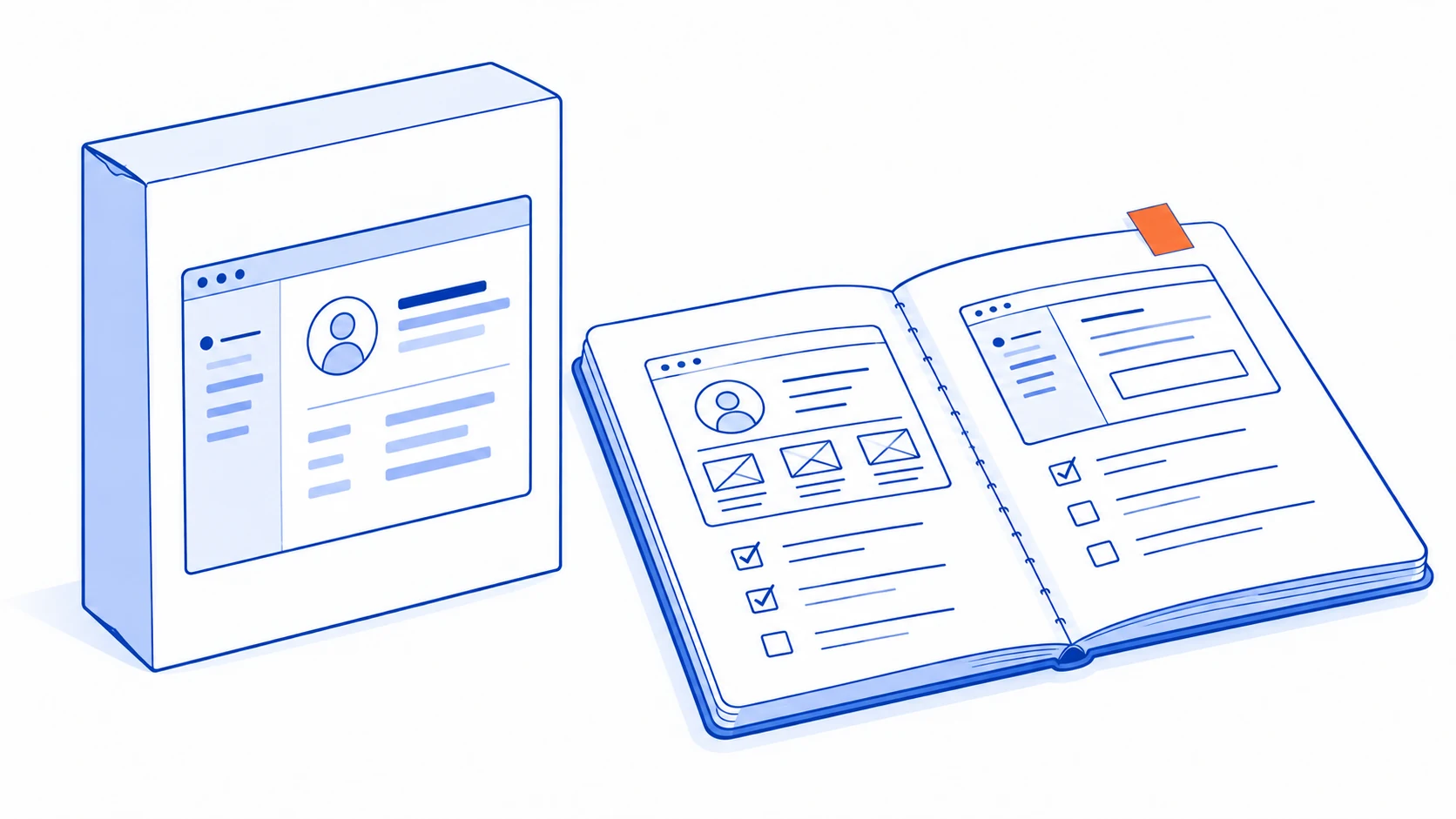
Start with the work the business must complete, then compare how each option would support it. Packaged software can fit a standard process; no-code tools can assemble an application within a platform's limits; custom development can address requirements that other options cannot meet. Each still needs an owner after launch.
These labels are not mutually exclusive. SaaS describes how software is provided, while no-code describes a way to build or configure it. A no-code platform may itself be SaaS, and a custom component may connect several subscription products. Compare concrete delivery options instead of treating the labels as competing technical categories.
Define the requirement that can rule an option out
Separate essential constraints from preferences. A branch manager accessing only their branch's records may be essential. The wording of a menu may be negotiable. Counting both as equally important features can produce a misleading winner.
For every decisive requirement, write a scenario and the evidence needed to pass. A permissions menu in a demonstration does not prove that the application isolates records correctly. Ask to test with representative accounts and data in an authorised environment.
Include the uncomfortable situations that make your process distinctive: a returned approval, one customer with several sites or work handed to a colleague midway through. If an option handles only the smooth demonstration, important work remains unproven.
Mark unknowns as evidence needed. Do not give an unknown requirement a neutral score simply to finish a spreadsheet. A product that satisfies many minor preferences may still fail the condition that matters most.
Understand what each route asks the business to own
| Route | A useful starting fit | The responsibility that remains |
|---|---|---|
| Configure packaged software | The process is broadly standard and the team can adapt | Configuration, access, data quality, vendor changes and adoption |
| Build with no-code or low-code | The platform supports the needed workflow, data and integrations | Application design, testing, release control and platform limitations |
| Develop custom software | Important recurring requirements are poorly served by available options | Product decisions, operation, maintenance and future changes |
| Connect existing tools | Core tools already work well but the handoff is missing | Ownership of the integration, errors and changes at either end |
No-code does not remove the application lifecycle. Microsoft's Power Platform ALM guidance includes governance, testing, deployment and maintenance. Those responsibilities matter when a workflow becomes important to everyday operations, regardless of how much code is typed.
Custom software is not automatically more flexible in practice. Poorly documented rules, missing tests and dependence on one maintainer can make changes difficult. Likewise, a packaged product may be configurable enough for a need that initially looked unique.
Run the same business scenario through each serious option
Imagine a service business whose sales process is fairly standard but whose delivery planning is unusual. This is an illustrative selection scenario. It might configure a packaged CRM and assess a separate planning application, rather than replacing all sales and delivery tools at once.
Use the same sample job in every trial. Create the customer, assign the work, change a requirement, hand it to another person and produce the record needed at completion. Let the actual users perform the steps.
Observe work outside the product as well as inside it. If the team must maintain a parallel spreadsheet, copy attachments manually or ask an administrator to fix every exception, include that effort in the assessment. A feature being possible is different from a task being manageable.
For an integration-based option, interrupt a transfer and inspect the recovery process. A hybrid approach is not an easy compromise when the custom part repeatedly works around limitations in the primary platform. Validate the boundary before making it central to the business.
Compare the full operating picture on equal assumptions
A monthly subscription and a complete development proposal cover different things. Compare options using the same users, workflow scope, migration needs and expected operating period. Record assumptions instead of presenting an unsupported precise total.
Include setup, data cleanup, training, integrations, support and likely changes. Check whether required controls or connectors depend on a different product plan. For a custom system, identify who handles hosting, maintenance, dependency updates and incidents after delivery.
GOV.UK's technology-selection guidance recommends considering the existing landscape and preserving the ability to adapt. Applied to a business decision, this means asking what can be changed later and what would require a difficult migration.
Test an export of representative records, including attachments and relationships. A list of contacts alone may not preserve the project history the business needs. Establish who controls the operational accounts and what information another maintainer would receive.
Supplier dependence is not automatically a reason to reject an option. It is a responsibility to understand. The business should know which activities require that supplier and how work continues if the service or person becomes unavailable.
Place AI inside the same decision process
An AI feature should have an acceptance test of its own. A platform advertising an agent does not establish that it can read the right records, preserve permissions or return a result staff can verify.
If the task is drafting from known information, a managed product may already support it. If the task requires a specialised review screen and a write into a business system, a custom component or a carefully designed platform workflow may be necessary.
Use representative inputs, including incomplete and conflicting examples. Assess the complete result, correction effort and failure path. Do not select a software foundation solely because its demonstration contains a fluent AI answer.
Keep model choice separate from ownership of the business process. A different model cannot repair an unclear approval rule or a source system that does not provide the required information.
Write the decision so it can be revisited
A concise decision record should contain the chosen option, decisive evidence, accepted limitations, unresolved conditions and the person who owns the system. Add the events that would justify reviewing the decision, such as a new branch model or a major change in customer access.
GOV.UK's service standard on choosing technology calls for being able to explain build-or-buy decisions and the cost of changing direction. For your business, the value is a decision the next person can understand rather than a product name with no reasoning.
If every option fails an essential requirement, reconsider the scope or run a focused trial. Do not compensate with more points for decorative features. The next step may be a small prototype, not a full implementation contract.
Use the business technology roadmap to sequence the selected work and the system handover guide to define what must remain operable afterwards.
Talvyn Labs assesses packaged tools, no-code approaches, integrations and custom development against your actual workflow. Bring the scenario your current software cannot support. Get a clear comparison, evidence for the critical requirements and a practical scope for the option worth building next.
Choose your next system with evidence before committing
Bring the workflow your tools cannot support to Talvyn Labs. Compare buying, connecting and building with a focused trial and a practical scope for the next step.
Assess your business software options