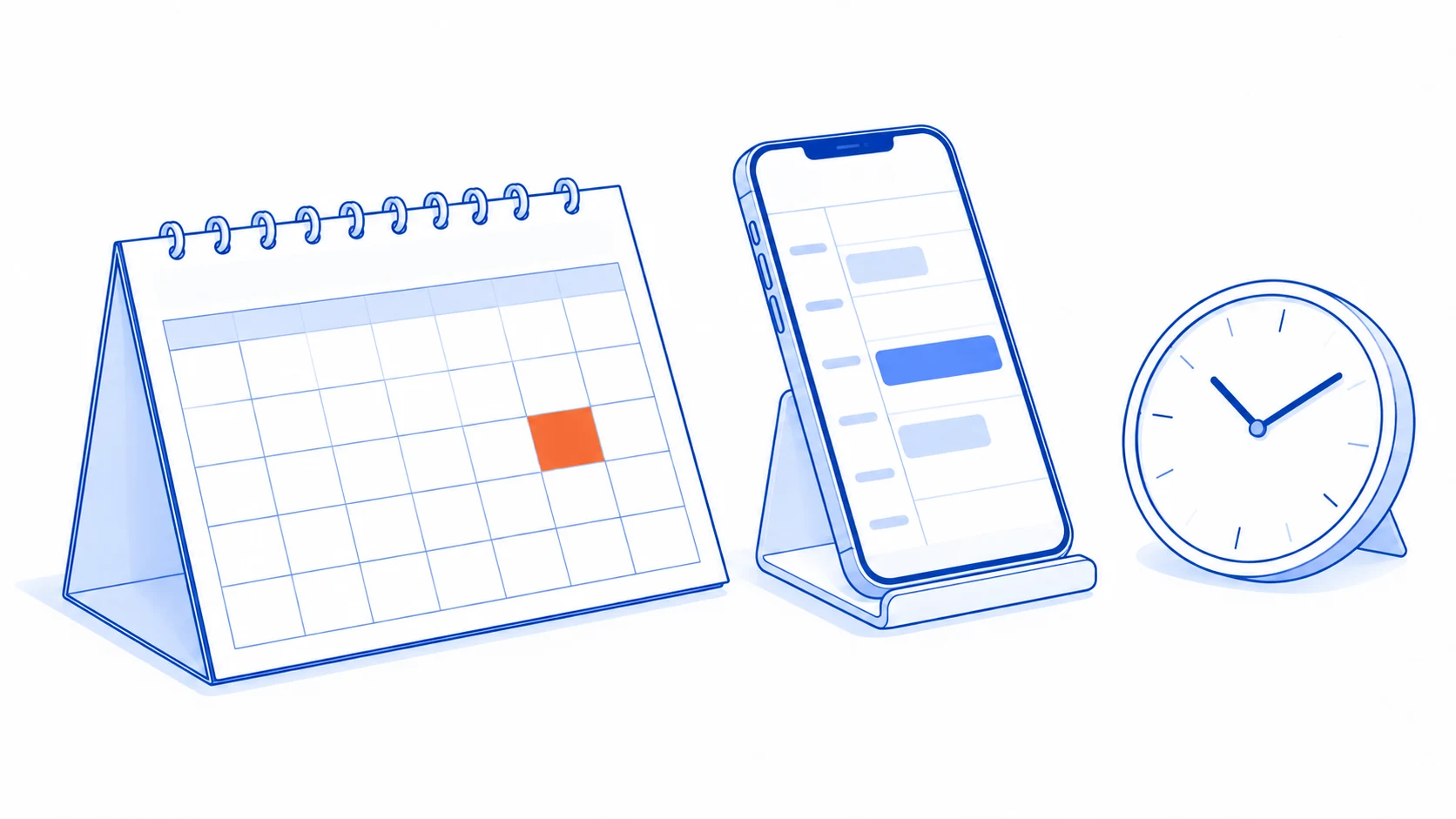
An appointment system should make it clear which bookings are confirmed, which people and resources they require, and who needs to know when something changes. A polished date picker alone cannot answer those questions, especially when an appointment needs both an employee and a shared room or piece of equipment.
Before building, describe one appointment from selection through completed service. Then add rescheduling, cancellation and non-attendance. The parts that remain unclear are often the ones staff will have to repair manually during daily use.
Availability includes everything the appointment needs
Define the service type, duration, eligible staff and required resources. An available employee does not necessarily make a slot bookable if the room is occupied or preparation and travel from the previous appointment take additional time.
Separate business opening hours from each person's availability. Include leave, holidays and service-specific constraints. Where several customers can attend together, define capacity explicitly. The rules for a one-to-one meeting should not be applied unchanged to a group session.
An existing product may cover ordinary requirements. Microsoft Bookings, for example, provides booking pages and Shared Bookings settings for teams, services and availability. Compare the actual workflow with the capabilities and access available in the account before commissioning additional development.
Give “booked” one clear meaning
| State | What the customer should understand | What the workflow needs to do |
|---|---|---|
| Selecting a time | Nothing is confirmed yet | Show currently available options |
| Temporarily held | Required steps must finish within the hold period | Release capacity on expiry or cancellation |
| Awaiting team confirmation | A request was received, but the time is not guaranteed | Assign an owner and communicate a decision |
| Confirmed | The team has accepted the appointment | Associate staff, resources and reminders |
| Cancelled | The original appointment will not happen | Restore availability and stop obsolete reminders |
Not every business needs every state. Use the ones that correspond to real work and explain them in the customer interface. If staff must review a request, immediately saying “booking complete” creates an expectation the workflow cannot yet support.
A slot shown on a screen may be taken before the user confirms. Check availability again when saving and prevent competing requests from both claiming the same capacity. If the attempt fails, offer remaining options while preserving appropriate information already entered.
Reschedule without losing the original appointment
Suppose a customer wants to move a morning appointment to the afternoon. Before releasing the morning slot, establish that the afternoon slot can actually be confirmed. If the change fails, the customer needs a clear answer about whether the original appointment remains in place.
Associate the change with the original appointment and retain the previous time, new time, person making the change and current version. If staff and the customer edit concurrently, detect the conflict rather than silently allowing the later write to overwrite an already changed record.
Once the replacement is confirmed, update the relevant calendars and cancel reminders for the previous time. If a notification channel fails, create a follow-up item for staff. A failed email should not turn an otherwise confirmed appointment into an unexplained state.
Cancellation should restore capacity according to the business rules while retaining history for follow-up. Where time limits, charges or refunds are involved, show the business's established policy and send exceptions to the responsible person. The system should not invent commercial terms when a case does not fit a standard rule.
Small details can send people to the wrong appointment
Show the time zone, particularly for online sessions or international customers. Store time information in a form that can be interpreted correctly for the relevant zone, and test daylight-saving transitions where they apply. A bare hour value without its location context is ambiguous.
Confirmation should include the date, time, location or joining method, preparation requirements and a way to change or cancel. A management link must only expose the appointment the recipient is entitled to manage, rather than allowing sequential references to reveal another customer's information.
Non-attendance needs a different state from cancellation if the team wants to understand what happened. Missing staff input is not proof that a customer did not attend. Define who records the outcome and how uncertainty is resolved before reports classify the appointment.
Avoid sending reminders from an old copy of the booking data. The sending step should check that the appointment still exists in a confirmed, relevant state and that the time being communicated is the latest version. This check matters even when the reminder was queued much earlier.
Test a day with changes, not just new bookings
Try two requests for the same slot, a reschedule into a newly occupied slot, cancellation after reminders are queued, and a change to staff availability when confirmed appointments already exist. Check that customer and staff views agree and that unresolved cases reach a named owner.
Review manual scheduling corrections, time misunderstandings and obsolete reminders together. More completed booking forms do not establish less coordination work if staff are repairing the resulting appointments afterwards.
If appointments become service work, read the guide to sales-to-operations handover. Use those same scenarios in a buy-or-build comparison so the decision reflects the changes and exceptions your team actually handles.
Bookings work, but every change creates extra coordination?
Talvyn Labs can help design scheduling around your team's constraints, connect calendars and notifications, and test conflicts and changes before the workflow goes live.
Discuss your booking workflow