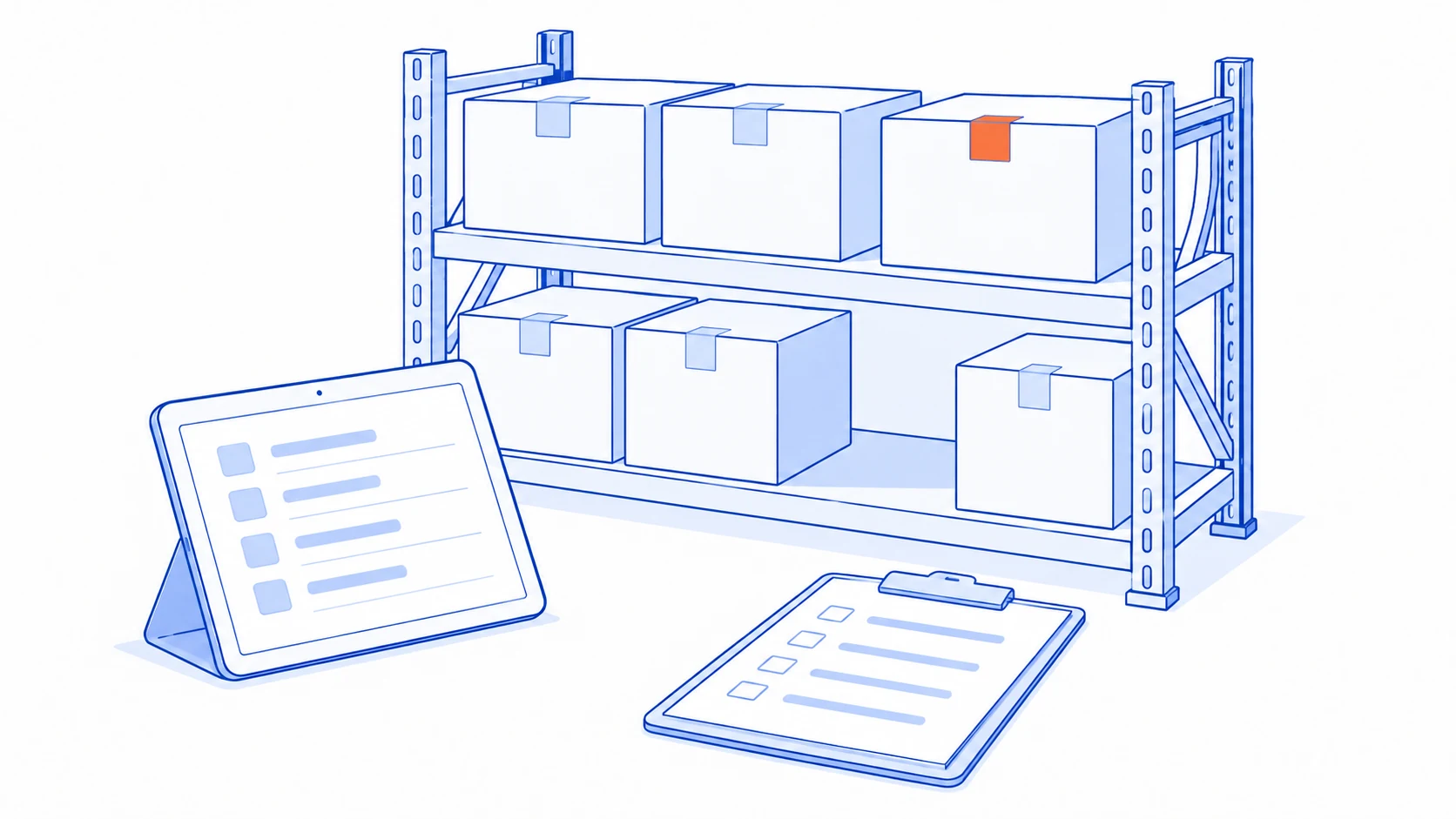
Fewer items on the shelf than on the screen does not automatically mean stock is missing. The comparison may involve different units, locations or moments in time. Preserve the recorded balance and movement history, then establish a like-for-like comparison before changing quantities.
An adjustment may allow work to continue, but it does not explain why the difference occurred. Without that explanation, the same team may spend the next count correcting the same products. A useful investigation connects warehouse activity, sales commitments and the updates moving between systems.
Agree which balance you are comparing
Physical stock, available-to-sell stock and projected stock answer different questions. Reserved goods can still be on the shelf. Goods being transferred may have left the source location without reaching the destination. Comparing an availability figure with every unit physically present can create a discrepancy that is only a difference in definitions.
Specify the product code, variant, warehouse, storage position and counting unit. Where the product is tracked by lot or serial number, compare at that level too. Similar-looking boxes may contain different versions. Returned goods awaiting inspection may be physically present without being available for sale.
Choose a clear cut-off time. If the whole warehouse cannot pause, separate the area being counted and record movements during the count. A balance exported in the morning and a count performed in the afternoon are not evidence of a system failure until the intervening receipts and issues have been considered.
Keep a record of what the counter could actually observe. An unopened carton counted from its label is a different observation from individually checked contents. Define when a carton must be opened or a second person should recount, based on the product and the uncertainty involved.
Treat the difference as a clue
| What you observe | What to investigate | Useful evidence |
|---|---|---|
| Difference equals a pack quantity | Whether receipts and sales use different units | Purchase unit, sales unit and conversion |
| One location is short and another is over | Whether both sides of a transfer were completed | Transfer record and receiving time |
| Differences appear during busy periods | Whether physical work precedes recording | Picking, handover and posting times |
| Returns are mixed with saleable goods | Whether condition and location were recorded | Return record and inspection outcome |
| Connected systems show different balances | Pending, repeated or rejected updates | Transaction reference and delivery result |
Use this table to choose an investigation, not to declare a cause from a number. A difference of one carton could reflect a unit conversion problem or an unrecorded issue of that carton. The movement evidence distinguishes those explanations.
For products with similar codes, count neighbouring variants as well. An apparent shortage in one code may correspond to an excess in another because the wrong product was selected when receiving or picking. Correcting only the first code can hide the relationship between the two errors.
Follow one item from receipt to dispatch
Suppose a count finds 18 units while the screen shows 30, and this product comes in cartons of 12. The difference alone does not identify who made a mistake. First confirm the unit behind the displayed balance, then review receipts, issues, returns, transfers and adjustments since the previous reliable count.
If one carton has been picked but the dispatch remains unconfirmed, investigate the confirmation step. If dispatch was confirmed but a connected system still shows the old balance, trace the update between systems. The remedies differ: one requires a workable completion step for staff; the other requires a way to identify and recover an undelivered update without deducting the same stock twice.
Write a short timeline with document references and timestamps. “System problem” is too broad to guide a correction. If the cause is unresolved, label it as under investigation and keep it separate from confirmed causes. This is an illustrative scenario, not a reported result from a customer warehouse.
Check whether subsequent work depends on the disputed balance. A sales commitment or replenishment request may need review while the quantity is being verified. Assign that review to an owner so an inventory investigation does not silently leave another team using a figure already known to be uncertain.

Make the adjustment useful beyond today
Once the count is confirmed, record the before-and-after quantities, reviewer, approver, reason and supporting reference. Where an incomplete source document explains the difference, decide whether to finish that document or make a separate adjustment. Doing both without reconciliation can change stock twice.
Odoo 19's inventory adjustment documentation distinguishes the recorded balance from the counted quantity and the step that applies the result. Entering a count should therefore not be confused with completing a root-cause investigation. That distinction is useful when designing a process around another tool too.
Choose prevention based on the cause. Make units clearer at receiving, require a destination when transferring, separate returns awaiting inspection, or provide a visible queue of failed system updates. A new platform is not always necessary when one field or completion step explains the recurring work.
Track discrepancy cases by product, location and reason, together with the effort needed to investigate them. A single net difference can hide shortages and excesses that cancel each other out. Repeated adjustments to the same product deserve a process review even when their combined total looks small.
Begin with products that move frequently or repeatedly need correction, and fit smaller counting cycles around actual warehouse activity. The practical test is whether people can identify and resolve a difference more reliably. If records still span many files, read when Excel needs an internal system. If the obstacle is an older application, consider integration options when a legacy system has no API.
Does the same stock difference return after every count?
Talvyn Labs can help trace receiving, picking and system updates, then design checks around the points where records diverge. Start with the product group or location causing the most repeated work.
Discuss stock and system integration