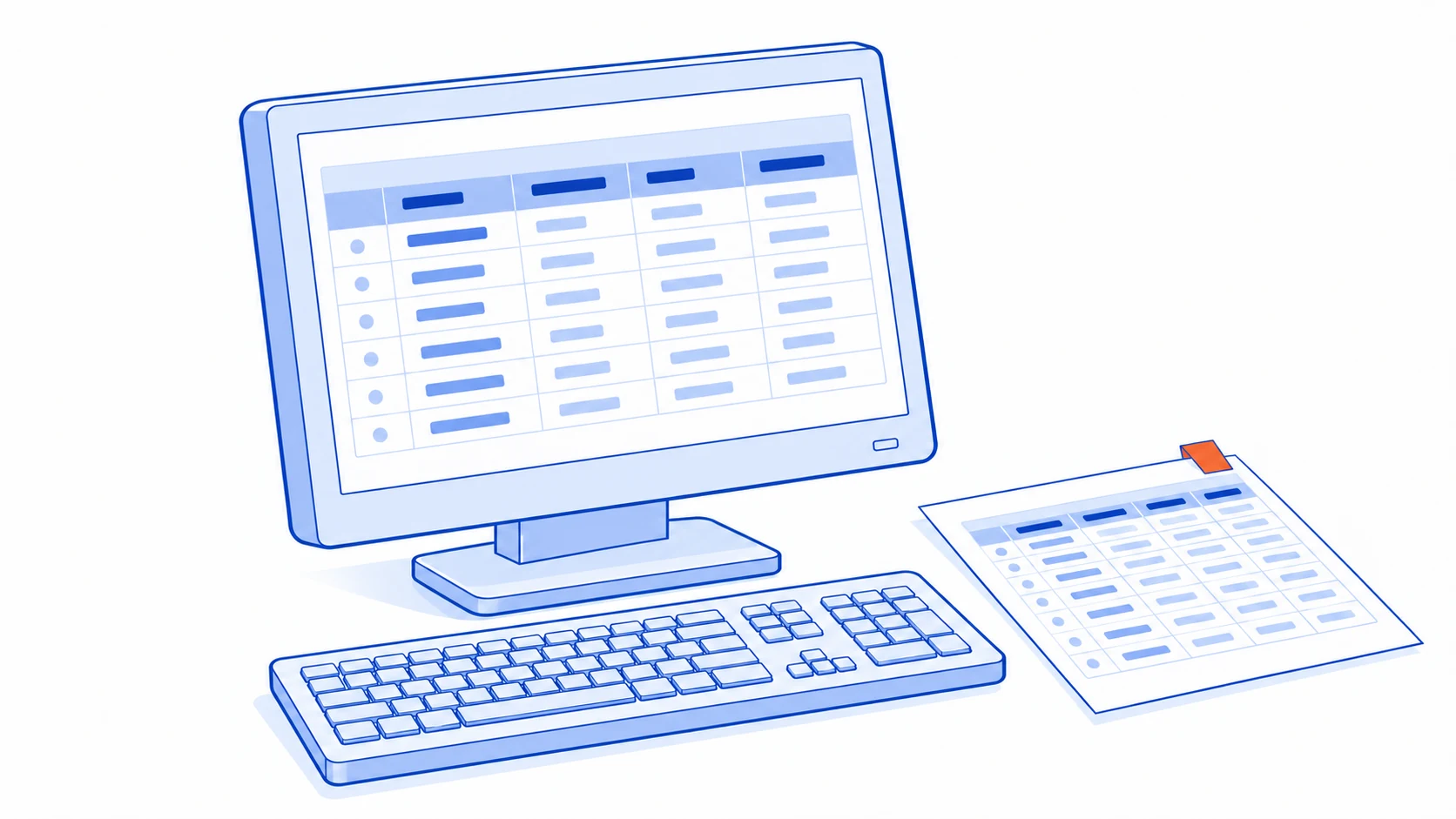
The absence of an API does not automatically mean an old system must be replaced before work can be automated. It also does not make screen-clicking a complete solution. The available options depend on the required data, its freshness and the access methods the system owner permits.
Begin with a short data journey: what must be read, where it goes, and what happens if it is late or wrong. Use those requirements to choose a connection method.
Define the job before the connection
A daily report may work well with a scheduled export. A customer asking for their current status during a conversation may need information more recent than last night's file. Freshness is a requirement of the task, not a feature every integration needs equally.
Separate reading from changing information. Preparing a report has different consequences from creating an order or updating customer records. Begin with read-only collection and reviewable output, keeping actions that create records or commitments subject to human confirmation.
Ask the existing system's administrator which routes are supported. A product without a generally available API may still offer exports, imports, supported connectors or access under particular conditions. Confirm those capabilities through documentation and the provider rather than inferring them from the visible screens.
Prefer a supported route
| Route | Work it may suit | What to verify |
|---|---|---|
| File export and import | Periodic work with a defined data format | File structure, references, import results and duplicate handling |
| A supported connector | Tasks within the connector's actual capabilities | Readable and writable fields, limits and permissions |
| An authorised data-reading source | Reporting with an officially supported access route | Scope, impact on the main system and structural changes |
| Screen interaction | Permitted work without a more suitable route | Interface stability, authentication and result checks |
Database or internal access should be explicitly permitted and supported by the administrator. Direct edits should not bypass the application's business checks, particularly where the complete data relationships are unknown.
Desktop automation tools can work with supported tasks in existing applications and files; Microsoft Learn describes desktop flows. The actual screens and operating conditions still need testing. Availability of a tool does not establish compatibility with every website.
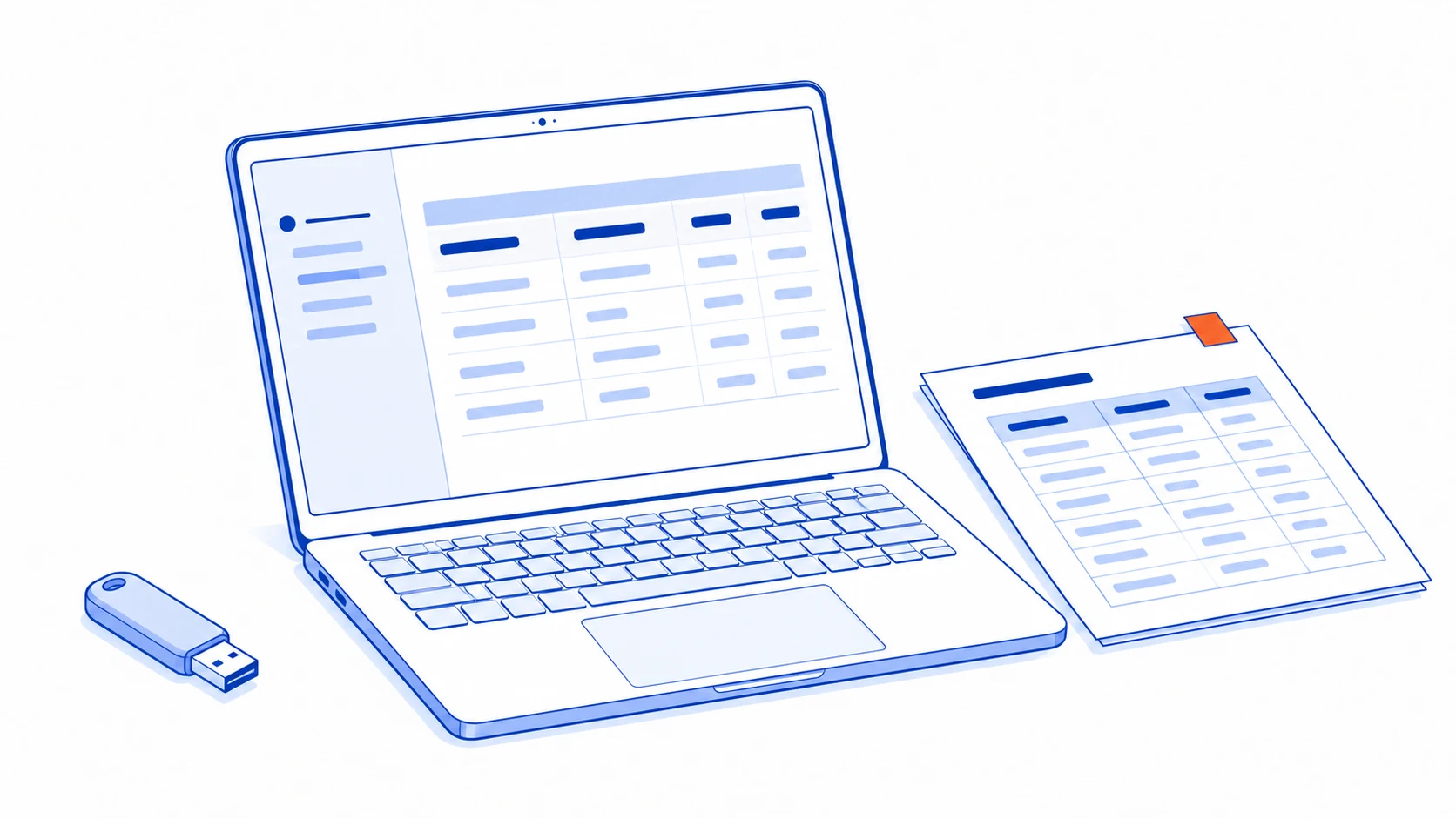
Example: export requests and prepare the next task
Imagine a system that exports requests to a file. The team wants to identify requests without an assigned owner. A trial could receive the dated export, check its columns, separate records lacking references and present the remaining items for human assignment.
First establish whether one row represents an entire request or part of one. If a request contains several rows, treating every row as a new task creates duplicates. Use source references and an explainable matching rule.
Record which file was processed, which items succeeded and which need attention. Processing the same file again should not recreate all its tasks. A later export containing amended records should make the changes visible rather than treating every difference as a new request.
Before returning information to the original system, have a person review it and use the supported import method. If the destination accepts only part of the batch, retain item-level results. Sending a file successfully is not the same as completing every record in it.
Screen-based work must recognise when it has gone off course
Clicking fixed coordinates is fragile when an interface changes. Check the expected page, read the reference of the selected item and verify the visible result after each important step. An unexpected login screen, unfamiliar message or missing information should stop the process and alert a person.
Use accounts and permissions authorised by the organisation and service provider. Do not bypass authentication or service restrictions. Where a verification code or user checkpoint is required, provide a handover for the person to complete it.
For browser-based agents, begin with finding, reading and preparing information. Show proposed changes for review. The final action creating a record, changing important information or making a customer commitment should be performed by an authorised person, with the result recorded.
Judge the route by how it recovers
During the trial, deliberately include repeated files, missing columns, amended records and unavailable source or destination systems. The team should be able to distinguish completed work from work not yet performed and resume without creating duplicate effects.
Assign someone to monitor the connection and retain a manual operating route when it fails. Show the data's latest source period so users do not unknowingly act on an old report.
If a connection requires frequent screen repairs or so much checking that it barely reduces work, revisit the scope or discuss a supported route with the vendor. The useful conclusion is not merely that a connection is possible. It should identify the route, its accepted limitations and who takes over when it stops working.
If the limits involve permissions and workflow control as well as transfers, assess when an internal application is needed to separate a missing connection from a process that needs a different home.
Connect work around your legacy system's real capabilities
Talvyn Labs assesses supported exports, integration routes and permitted screen-based workflows before designing automation your team can inspect and recover. Tell us the system and version you use, plus the task people repeat, so we can assess a practical connection.
Discuss legacy tools