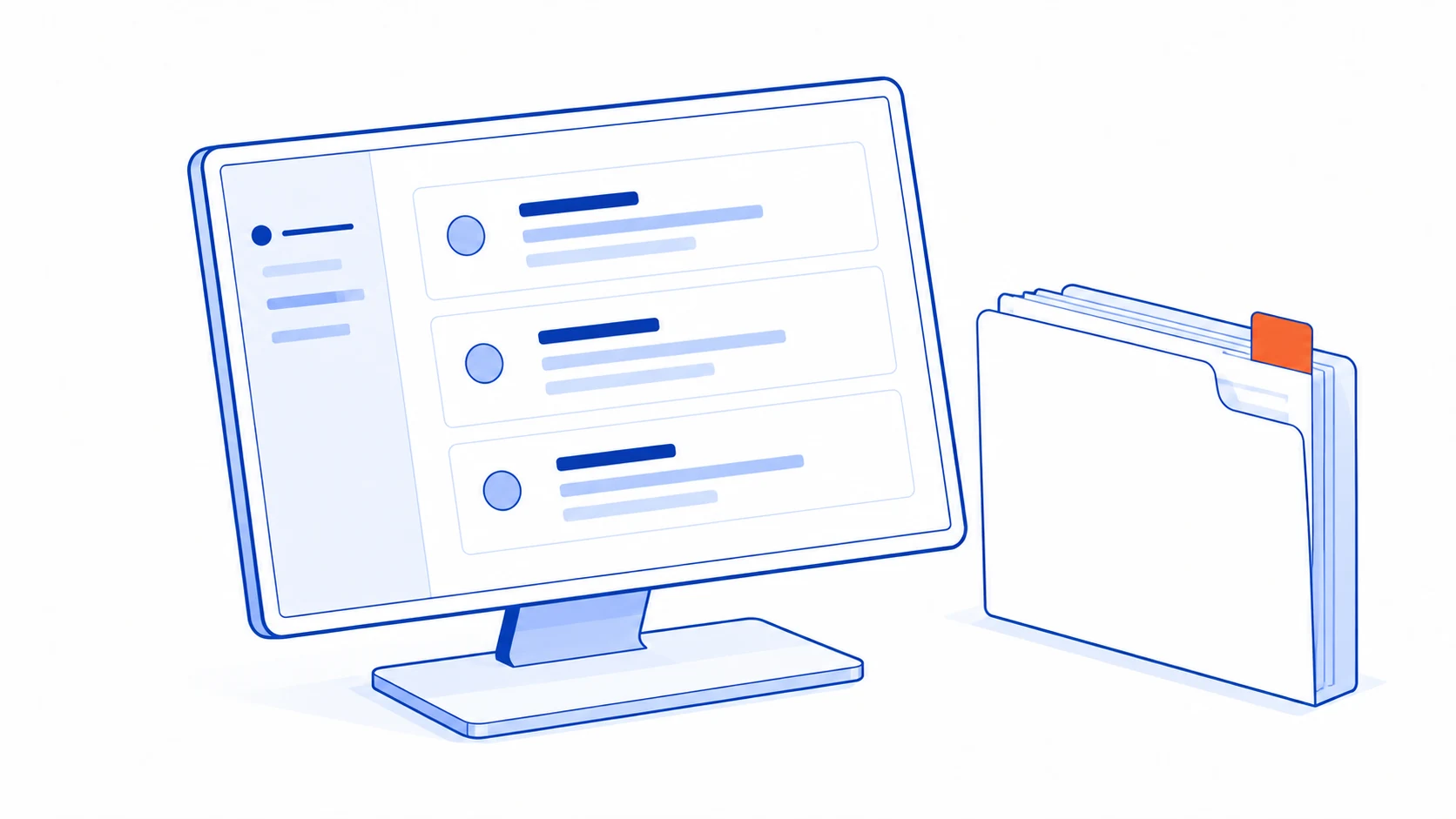
A customer portal becomes useful when customers repeatedly need the same information or action: the latest document, a dependable project update, a place to supply missing details or a clear way to review a change. A login page by itself does not solve any of those problems.
Start with the requests your team handles most often. If the portal can answer them from maintained information and let customers complete a meaningful task, it may improve the service. If staff must invent an update every time someone signs in, the underlying process needs attention first.
Recognise the work a portal should replace
Look at recent customer conversations. Group the repeated questions and identify the evidence needed to answer each one. A request for the latest drawing needs an unambiguous document version. A question about progress needs a current milestone and an explanation of what happens next.
The first release can focus on a few of these jobs. It does not need to expose the whole internal system, every staff discussion or all project files. Information useful to the delivery team may be confusing or inappropriate for the customer.
Consider an illustrative installation project waiting for a revised floor plan. The customer needs to know which plan is requested, who should supply it and which next step depends on it. A generic in-progress label leaves those questions unanswered.
If the work is occasional and a well-managed email or document-sharing process already serves customers, a portal may add unnecessary account management. Check whether the frequency and complexity of the recurring work justify a dedicated interface.
Design the overview around the next action
The opening view should explain what the customer needs to do, what the business is doing and when the information was updated. Separate estimated dates from confirmed commitments. A preliminary scheduling note must not look like a promised delivery date.
Use concrete actions, such as reviewing a named document version or providing a missing detail. Show the relevant project and a route to ask for help. Customers handling several projects should not need to infer the current context from a filename.
A status change should have an owner and a source. If the portal reads from a work-management system, define which updates become customer-facing and when. If a person maintains the status manually, include that responsibility in the operating process.
When information cannot be refreshed, show the last known update time or a clear unavailable state. Do not display a reassuring progress label that the business cannot substantiate. The internal team also needs a way to see and resolve the failed update.
Keep document versions and decisions connected
A document may move from draft to review to an agreed version. Display its name, version, date and status together. A sequence of filenames ending in final or revised is not a reliable version policy.
When a replacement is uploaded, comments on the earlier copy must stay attached to that copy. The team should be able to explain exactly what the customer reviewed. Keep older versions accessible to authorised users when they are needed for that history.
Receipt, feedback and approval are different actions. Opening a file should not silently count as approval. If the project includes a formal confirmation step, its wording and authority must match the agreed process, and the record must identify the version involved.
Uploads need an honest completion state. W3C's user-notification guidance describes making successes and errors understandable. Apply that distinction to a file transfer: selected, uploading, received and rejected are different outcomes. Preserve the user's work when an error can be corrected.
Access belongs to a person and the relevant project
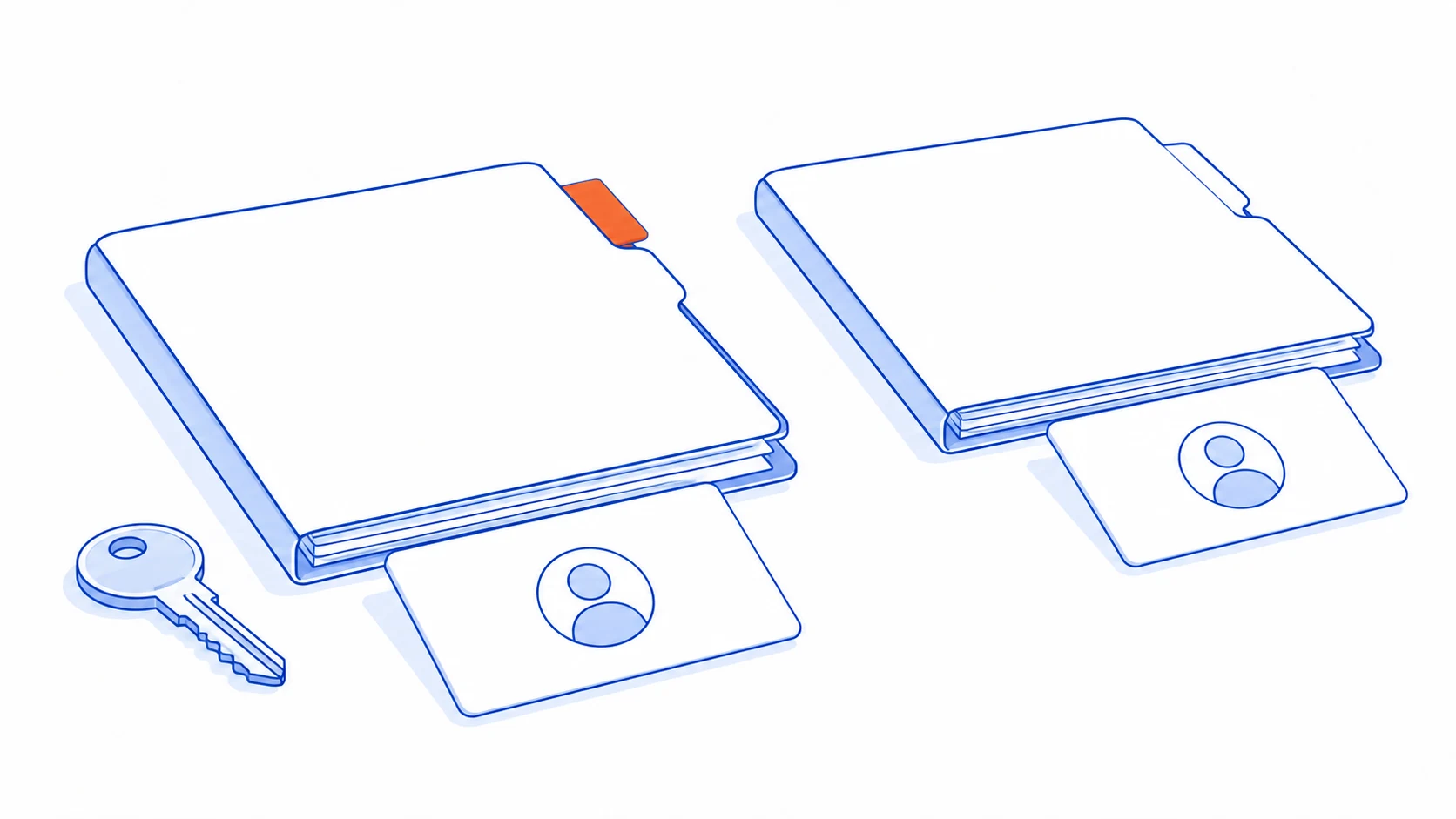
One customer may have several contacts with different responsibilities. A project sponsor may review progress, while another person supplies documents. Decide who can view, download, upload, comment and approve each type of item.
OWASP's authorisation guidance calls for checking permission on every request. In a portal, that includes a direct file link, not just the page listing the file. A hard-to-guess address is not a substitute for access control.
A platform can provide useful controls without removing the need to configure them. Microsoft's Power Pages security overview separates site access, page permissions and data permissions. Treat those as distinct questions when evaluating a portal product.
Define how contacts join, change roles and leave. When a project closes, customers should understand what remains available and for how long under the agreed arrangement. Someone in the business must own these access decisions rather than leaving former contacts active indefinitely.
During acceptance, use authorised test accounts representing separate customers and projects. Check both ordinary navigation and direct links. A person without access must not receive the other customer's information merely because they possess a URL.
Notifications should point to meaningful work
Send a notification when the customer needs to know about a decision or act on a request. Announcing every internal task movement can make important updates harder to notice. Decide which events deserve an email or another agreed channel.
The notification should lead to the correct project and document version. Avoid placing unnecessary confidential detail in a message that might be forwarded. Inside the portal, show whether the action is still outstanding when the person opens an older notification.
If an integration retries an event, it should not send the customer the same message repeatedly. Record delivery attempts separately from the customer's action. A delivered email does not prove that the required document has been reviewed.
An AI summary can be added later to explain a long project history or prepare a reply, provided it respects the same access boundaries and links to the underlying records. It should not invent progress, turn an estimate into a commitment or approve a document on the customer's behalf.
Pilot the service, including the work behind the screen
Choose one manageable process and a customer group willing to try it. Ask participants to find the current status, identify the correct file and answer an outstanding request. Observe where they hesitate and how much help they need.
Measure repeated enquiries alongside the effort staff spend keeping the portal current. More logins do not necessarily mean better service. A useful portal reduces avoidable information chasing while preserving a clear route to a person when the situation is unusual.
Before implementation, clarify sales-to-operations handover and the way the team receives information through contact forms. These are parts of the same customer journey.
Talvyn Labs designs customer portals around project updates, documents and the decisions your customers need to make. Bring the questions your team answers repeatedly and a sample project history. Build a focused portal with dependable information, appropriate access and a workflow your team can maintain.
Give customers a portal that moves their project forward
Bring recurring questions and project documents to Talvyn Labs. Connect status, versions and customer responses with access scoped to the right people.
Build your customer portal