A system with only administrator and general-user roles may be easy to introduce. As more teams collaborate, however, someone may need to amend selected information without seeing everything, or approve work without silently changing an already confirmed record.
Begin permission design with responsibilities and information, not seniority alone. Specify who may perform which action on which records, under which conditions, before translating those decisions into system roles.
Separate seeing information from changing it
Reading, editing, deleting, approving and exporting are distinct actions. Someone helping to track work does not necessarily need unrestricted editing rights. The person who prepares a record may also differ from the person responsible for confirming it.
Define the information boundary too: personal requests, assigned work, a particular branch or all work within a responsibility. A sales role name does not establish whether its holder should open another team's records.
| Example role | Required work | Boundary to agree |
|---|---|---|
| Requester | Create a request and view its outcome | Own requests or explicitly shared records |
| Task owner | Update assigned work | Assigned tasks and necessary supporting information |
| Team lead | Assign people and review results | Team work and agreed confirmation conditions |
| Reviewer | Inspect information and leave observations | Assigned records without changing the original |
| System administrator | Manage accounts and configuration | Separate from business-transaction approval where appropriate |
This is a conversation starter, not a universal permission template. Ask process owners to confirm what information is necessary and why before expanding access to resolve an immediate inconvenience.
Work conditions can matter more than a role name
The same person might edit a draft but not a confirmed record, or view assigned projects without access to every project. Decisions can therefore depend on the user, the particular item and its current state.
OWASP's authorization guidance emphasises least privilege and consistent access checks. Hiding an interface button should not be the sole mechanism deciding whether a request is authorised.
For everyday users, explain the state and an appropriate help route when an action is unavailable, such as a closed record or a step reserved for its responsible reviewer. The explanation should not reveal information outside the user's access.
If temporary additional access is necessary, record its purpose, approval and review point. Help provided for one task should not become an unexplained permanent entitlement.
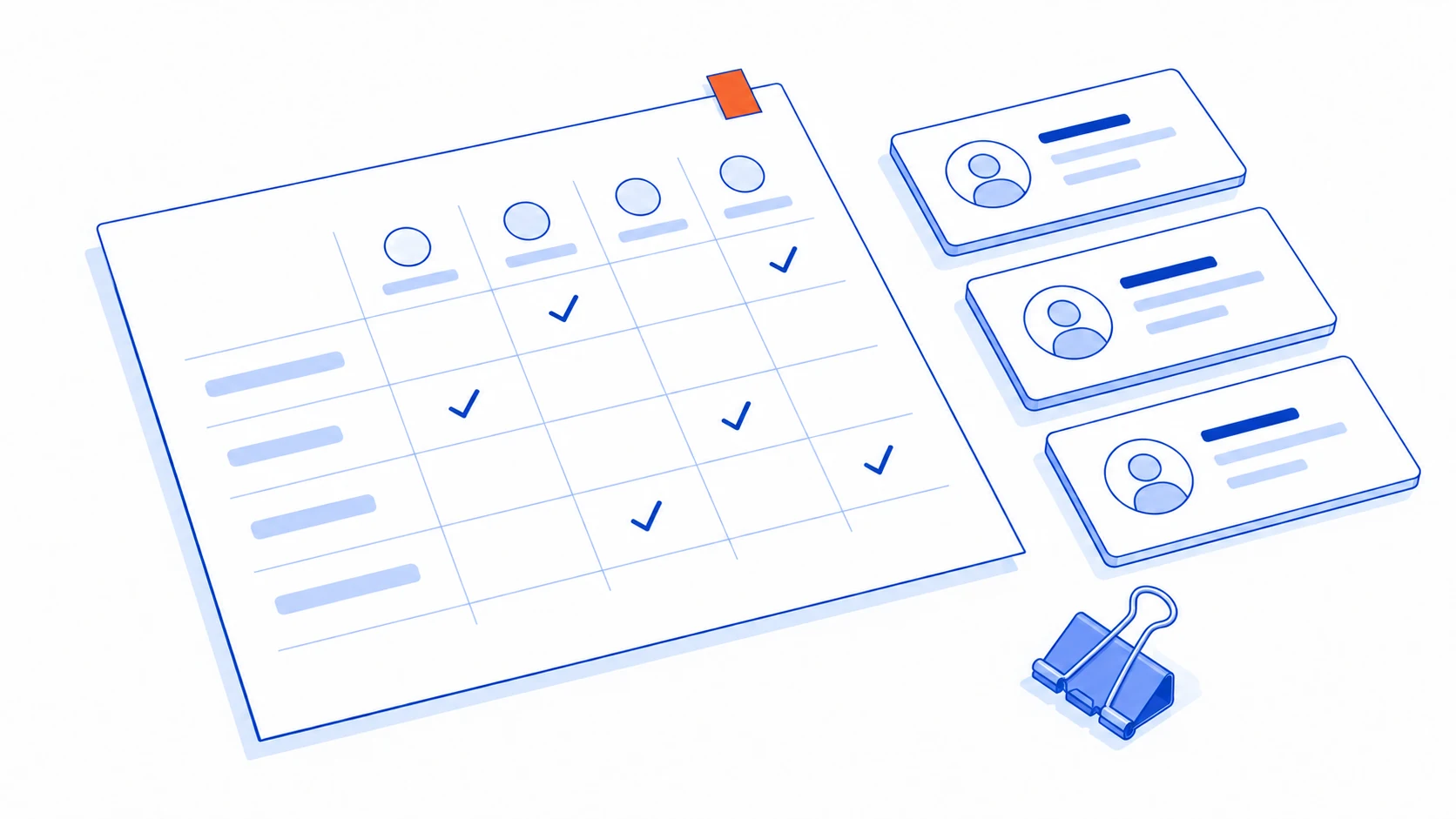
Responsibilities and access must change together
When someone moves to a new team, review both the new permissions and old access no longer needed. Do not simply accumulate group membership. Transfer outstanding work to the people now responsible under the agreed process.
Distinguish individual accounts from accounts used by system connections. Their maintenance and failure effects differ. Record the owner of each connection and the work affected by a permission change, rather than resolving every problem with unrestricted administrator access.
Provide a documented backup responsibility and access-request route when the primary administrator is unavailable. This should preserve necessary boundaries instead of depending on a shared password posted in a team conversation.
Ask process owners to review users and scopes at an appropriate interval. The useful question is whether the person still performs work requiring that access, not merely whether the account continues to exist.
Accept permitted work and refused requests as separate outcomes
Prepare test accounts for the agreed roles and records inside and outside their boundaries. Have the delivery team demonstrate that legitimate work succeeds and unrelated people cannot obtain or change those records through another route.
Include direct links, downloads, exports and status changes, not just visible menus. If permissions change during a session, verify that the new boundary takes effect as designed.
Retain enough evidence of important actions to identify who did what to which record and when. Select the information needed for investigation rather than recording all sensitive content simply because the system permits it.
Revisit the permission plan when a new feature changes the meaning of an action. For example, adding a bulk export can create a different level of access from viewing one assigned record, even if both appear under the same menu.
Put these rules into the first web-app release scope from the beginning. If external users are involved, review the customer-portal planning guide so customer boundaries and internal work remain clearly separated.
Do basic admin and user roles force you to grant more access than the work needs?
Talvyn Labs can translate team responsibilities into clear data boundaries and actions, then test both permitted work and requests that must be refused.
Plan permissions around your team's work