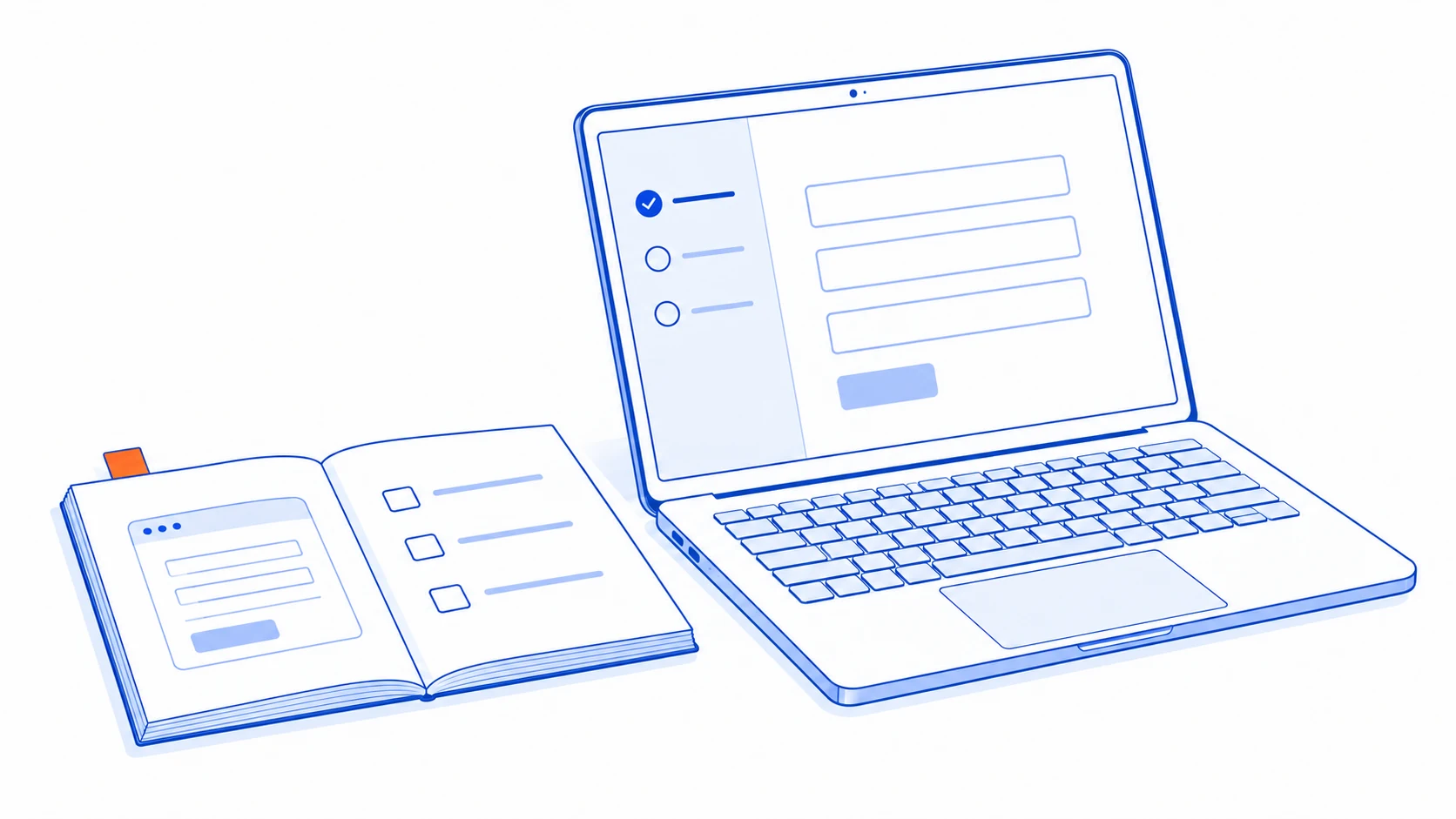
A customer who signs up for a SaaS product but never starts using it may be blocked by data preparation, incomplete configuration or uncertainty about which steps require an administrator. An AI agent can help the customer complete a first useful task when it understands the product's real state and has clearly bounded actions.
The starting feature does not have to be an all-purpose chat box. It might assist with an import, prepare a workflow or create a first item for review. The user should still see what will happen before anything is committed to the live account.
Choose a first task that demonstrates product value
Imagine a service-management SaaS product whose new customer needs to import a customer list. A useful first outcome could be a checked import that can be used to create a test job. Visiting every menu is a weaker outcome. This is an illustrative design scenario rather than a customer result.
Find where users stop and what help they request. If a button is hard to locate, improve the interface. If incoming files use different column names and users struggle to map them, AI may help interpret that variation.
Define the journey by role. An account administrator may connect systems and invite colleagues, while an invited employee only needs to complete one task. They should not receive the same checklist, and the agent should not propose actions their accounts cannot perform.
Move from explanation to a prepared action
There are several useful levels of assistance. Select them according to product readiness and permissions rather than enabling maximum autonomy immediately.
Explain the relevant next step
Use the product version, current screen and completed configuration to suggest what comes next. Documentation must match the customer's actual product. Referring to a menu unavailable in their account creates another support problem.
Prepare a configuration draft
For an import, AI might propose column mappings, flag possible duplicates and identify unreadable rows. Let the user correct the draft before confirming it. Keep the original file and review result separate from live records. Ready to import should mean the application's checks passed, not merely that the model said it could proceed.
Execute after review
The product application validates permissions and inputs before writing data. Anthropic's tool-use documentation distinguishes a model's tool request from execution by the client application. That separation provides a place to enforce approval in the actual system.
Show the records to be created, settings to be changed and effects on existing data. Allow the user to go back. After confirmation, return evidence from the destination, such as the import identifier and accepted item count. A conversational claim of completion is insufficient.
Preserve account boundaries throughout the task
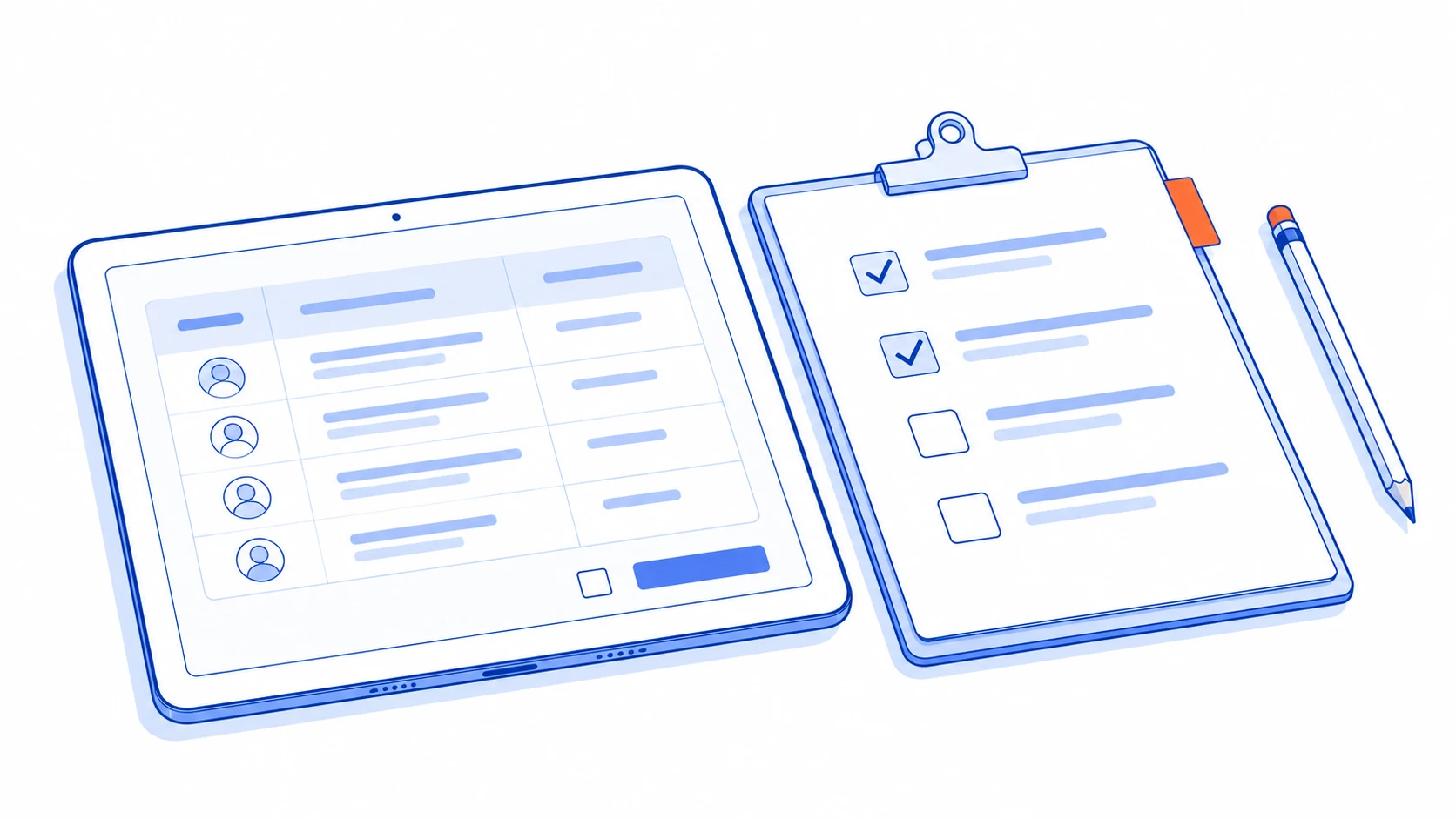
A shared SaaS product must prevent data and configuration from crossing customer accounts. Microsoft's tenancy-model guidance emphasises isolation and considering both tenant and user identity when authorising access.
Resolve the active account on the server from a verified session. Do not accept an account identifier proposed by the model as authority. Search, file checks and write tools must use the same boundary, including conversation history and temporary files.
If the user switches accounts or roles, refresh the permission context. Do not automatically continue a configuration plan from another account. External connections should use the product's authorisation flow and confirm the intended destination, rather than asking for passwords or secret keys in chat.
Test users belonging to several accounts, access revoked during a task and similarly named records. A cross-account failure is a reason to stop and correct the system before wider use, even when most onboarding tasks complete successfully.
Keep the interface usable when AI is unavailable
Important steps need conventional controls, clear instructions and a direct route through the product. Some users prefer to enter data themselves; others rely on keyboard or assistive technology. The model service may also be unavailable. Requiring a conversation for every action introduces an unnecessary dependency.
W3C's guidance on multi-page forms recommends logical stages and visible progress. Apply that to the onboarding assistant: show the current stage, what has been saved and how to resume later.
If only some rows import successfully, show the accepted items and the ones needing correction. Provide a way to retry the outstanding portion without duplicating the successful records. When support is required, pass on the relevant state and attempted steps without unnecessary confidential information.
Success wording must match the operation. Data prepared for review is different from data imported successfully. This small distinction affects whether customers can trust the product's state.
Measure first-task completion and continued use
Define the success event inside the application: for example, an accepted import that supports the first real task. Measure elapsed time, corrections after completion and whether the customer continues to the core product. Message volume should not be the main indicator of success.
Compare against a suitable existing process or user group while accounting for customer and data complexity. If new customers bring more difficult files, changes in completion rates cannot be attributed to the assistant alone.
Trial one step with a route back to the original workflow. Categorise failures such as outdated instructions, incorrect column mapping and destination API errors, then improve the affected component. A broader model change may not fix a missing product state or a confusing confirmation screen.
The guides to adding AI to an existing SaaS product and scoping a first application release can help define that initial boundary.
Talvyn Labs builds embedded AI agents connected to a SaaS product's data, permissions and actions, including review screens and outcome tracking. Bring the onboarding step where customers get stuck and representative input data. Define an assistant that helps customers reach a first useful result and continue using the product.
Help new customers reach a useful result in your SaaS product
Bring the onboarding step where customers get stuck to Talvyn Labs. Build an AI assistant connected to your product's permissions, interface and existing systems.
Add an AI agent to your SaaS